

Know How a Powerful Atomic Credential Stealer is Infiltrating MacOS Apks

Know How a Powerful Atomic Credential Stealer is Infiltrating MacOS Apks
LastPass warns that it is among the most recent to witness counterfeiting of its popular brand.
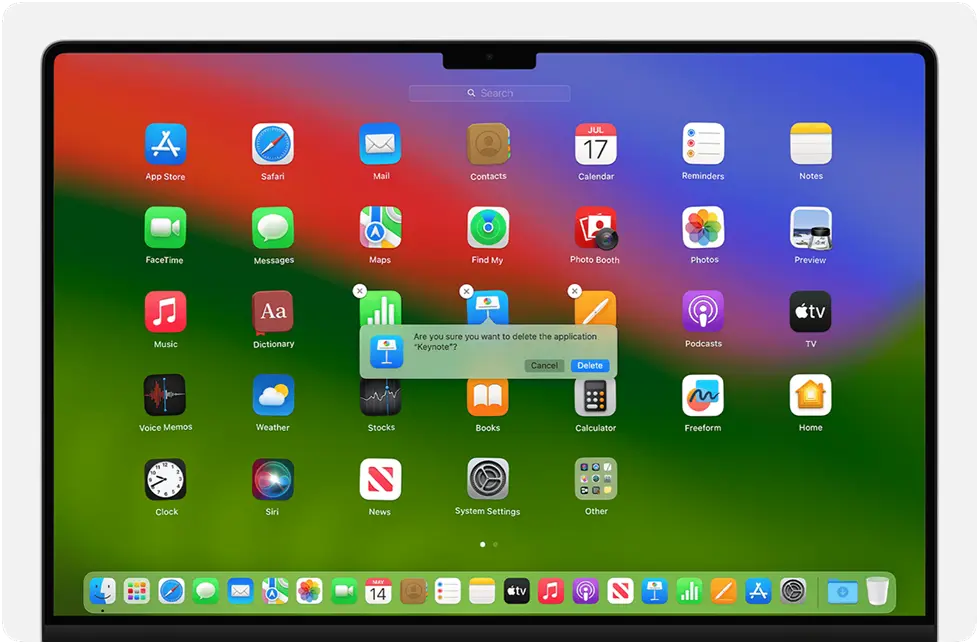
Security firms have cautioned that ads that are widely shown on search engines are posing as a variety of online services in an attempt to infect Macs with a powerful credential stealer. Users of the LastPass password manager are the most recent target to be reported.
LastPass reported late last week that it had discovered a large effort that employed SEO to place advertisements for LastPass macOS apps at the top of search engine results, including those from Google and Bing. LastPass was the victim of two fake GitHub sites that were taken down as a result of the advertisements. Links on the pages promised LastPass installation for MacBooks. Actually, they installed Atomic Stealer, also called Amos Stealer, a macOS credential stealer.
Dozens Targeted
“While we continue to vigorously pursue takedown and disruption efforts, we are writing this blog post to protect our customers and raise awareness of the campaign. We are also sharing indicators of compromise (IoCs) to assist other security teams in identifying cyber threats,” the statement read.
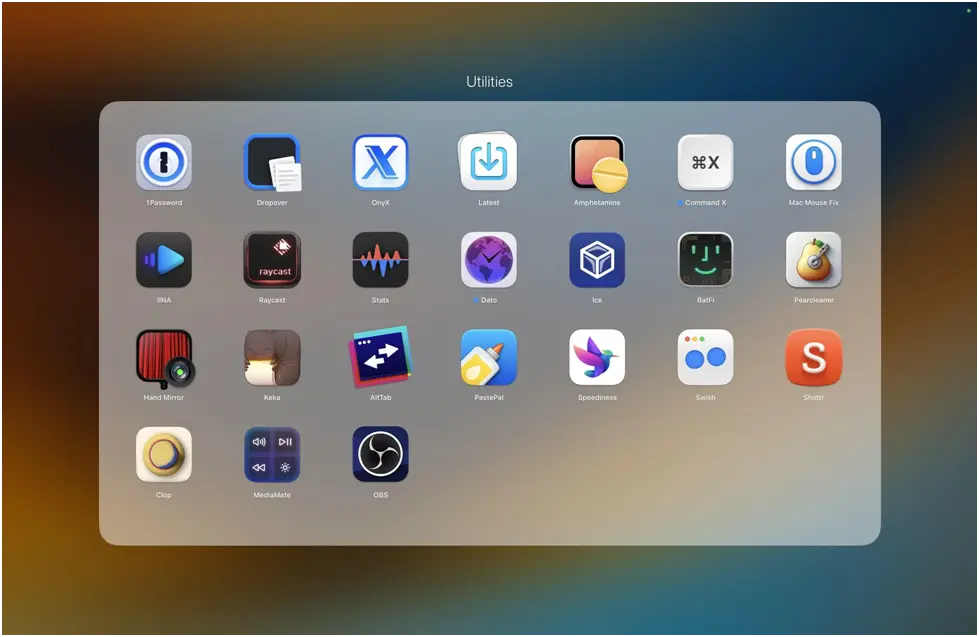
LastPass is not the only company that has seen its well-known name taken advantage of in these advertisements. Other software or services being impersonated as 1Password, Basecamp, Dropbox, Gemini, Hootsuite, Notion, Obsidian, Robinhood, Salesloft, SentinelOne, Shopify, Thunderbird, and TweetDeck were identified in the compromise signs that LastPass supplied. The program is usually offered in large fonts in the advertisements. Clicking on the advertisements takes users to GitHub pages where they can install phony versions of Atomic masquerading as the official software.
Malicious installers will occasionally offer to install the stealer by downloading a file in the proprietary .dmg format for Macs. Attackers began employing a new technique to get around Gatekeeper, the malware prevention feature integrated into macOS that prevents the installation of known malware, after Apple added a detector to it. This technique required copying and pasting a text string into the Mac terminal window in order to pretend to be a CAPTCHA and verify that the user wasn’t a bot. The string was actually a command to download and install the malicious.dmg file without Gatekeeper’s help. For the last 20 months or more, researchers have been warning about this Gatekeeper-bypassing method.
The fact that Atomic is still commonly used despite efforts to increase awareness of it shows that it is still useful. It is being used against users of Homebrew, a tool that is essential for many developers of macOS-compatible apps, according to the post mentioned above.
Software should only be downloaded via links found on a website’s official page. They should open a new tab and go straight to the official website instead of clicking on the download link in the advertisement if they see one and decide they want to install the program being advertised.
About The Author:
Yogesh Naager is a content marketer who specializes in the cybersecurity and B2B space. Besides writing for the News4Hackers blogs, he also writes for brands including Craw Security, Bytecode Security, and NASSCOM.
Read More:
SIM Servers Over 300 Seized by U.S. Secret Service: 1 L Cards Threatening U.S. Officials
About Author








 English