

Check Out mAadhaar vs the New e-Aadhaar App Key Differences
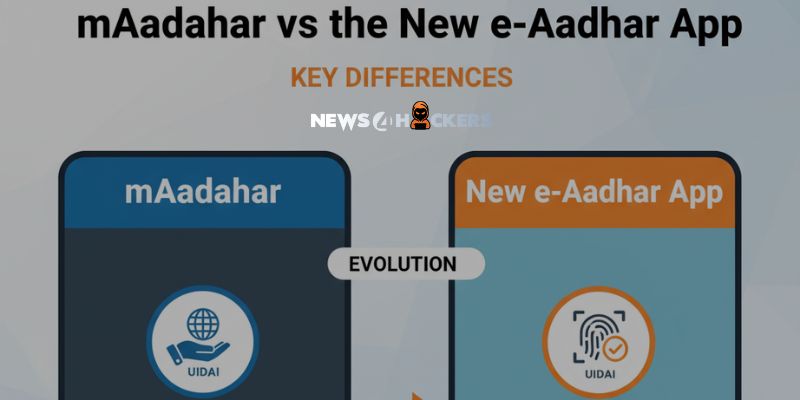
“Congrats, new e-Aadhaar App launched to upgrade and succeed the mAadhaar App. Let’s find out more about it!
For iOS and Android smartphones, the Unique Identification Authority of India (UIDAI) just published a new app called e-Aadhaar. This app has a lot of new features that make it better than the previous mAadhaar app.
The government created this new software to facilitate official chores and document verification, giving users a seamless, paperless experience. However, the public’s understanding of the two apps’ intended uses has been somewhat clouded by the introduction. Let’s examine the distinctions between the current mAadhaar app and the new e-Aadhaar app.
Position of UIDAI
Through its ‘X’ handle, UIDAI disseminated information about the new software, characterizing it as intelligent, safe, and paperless. Crucially, the old mAadhaar app will not be replaced by the new one. Both continue to be independent platforms with distinct goals.

The new e-Aadhaar app was introduced especially to facilitate the widespread and secure usage of digital identification, whereas the mAadhaar app was created as a mobile-first platform.
Differences Unfold
mAadhaar App (Existing)
A variety of utility-based Aadhaar services are available through the mAadhaar app, which was the first application released by UIDAI. Using your Aadhaar card online, you can accomplish several significant tasks.
This entails managing your Aadhaar card, generating a unique identification number known as a Virtual ID, and downloading a PDF copy of your Aadhaar. You can change your information as needed and lock or unlock your card using these management options.
New e-Aadhaar App (New)
The interesting features of the new e-Aadhaar app are intended to improve security and facilitate family connections. As long as they all registered using the same mobile number, users can now link up to five Aadhaar profiles within the app.
The app also has a face authentication feature that helps confirm your identity in order to increase security. Additionally, it makes it easy and quick to use for services that need verification without the requirement for paper documents by enabling users to share their digital ID via a QR code.
| Feature | mAadhaar (Existing) | New e-Aadhaar (New) |
| Profile Linking | Allows only one profile per device. | Enables the simultaneous integration of up to five Aadhaar profiles (all mobile numbers must be the same). |
| Authentication | Login primarily via OTP and PIN. | For further security, login features include biometrics and facial authentication. |
| Key Services | Offers core Aadhaar-related features, including e-Aadhaar PDF download and PVC card ordering. | Emphasizes biometric locking, digital ID exchange (via QR), and multi-profile connecting. |
| Design Focus | Designed for legacy, utility-based service access. | Designed mainly for safe digital identity and paperless verification, this interface is modern and easy to use. |
About The Author
Suraj Koli is a content specialist in technical writing about cybersecurity & information security. He has written many amazing articles related to cybersecurity concepts, with the latest trends in cyber awareness and ethical hacking. Find out more about “Him.”
Read More:
4,300 Fake Travel Websites are made by Russian Hackers to Steal Hotel Guests’ Payment Data
About Author








 English