

Microsoft Issues Warning About Incorrect Display of Remote Desktop Notifications
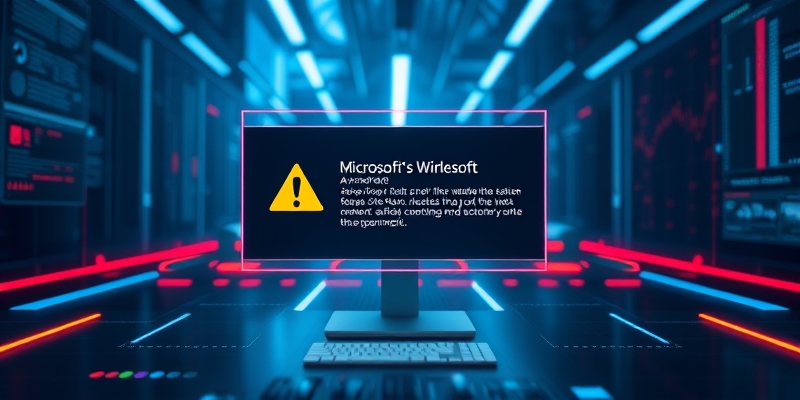
Windows Security Updates Cause Display Issues with New Remote Desktop Warnings
In recent cumulative updates to Windows systems, Microsoft introduced enhanced security measures for Remote Desktop Connection (RDP). While intended to protect against malicious RDP file activity, these updates have inadvertently caused issues with how certain users view the warnings associated with opening RDP files.
Problem Description
Users who utilize multiple monitors with varying display scaling settings may encounter distorted or partially hidden text and buttons within the security dialog box.
The security warning itself is designed to inform users of potential risks when opening unverified RDP files. Upon installation of the updated security patch, users initially receive an educational prompt upon first accessing an RDP file, highlighting the importance of verifying the authenticity of the file and its publisher.
Solution Overview
Subsequent connections to RDP files result in a comprehensive security dialog displaying the file’s digital signature status, the remote system’s address, and a list of all redirected local resources, with each option disabled by default.
This added layer of security is particularly crucial in enterprise environments where RDP files are frequently utilized for remote connectivity, often with preconfigured settings that redirect local resources to the remote host.
Threats and Solutions
Threat actors have been leveraging RDP files in phishing campaigns, as evidenced by recent high-profile attacks that successfully exploited vulnerabilities in various software applications.

About Author







 English