

Microsoft PowerToys Enhances Workflow with Alt+Tab-Style Window Switching
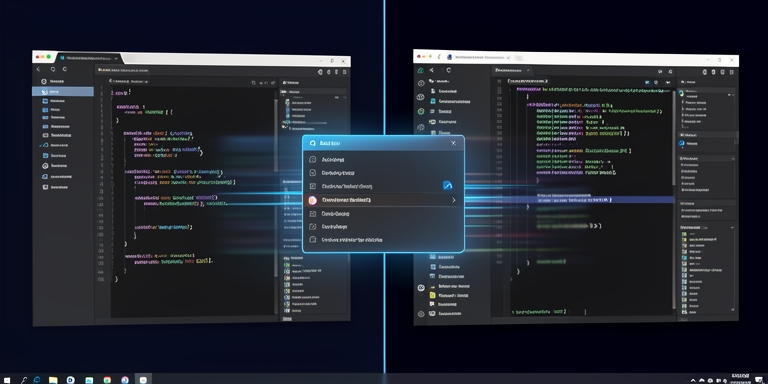
Microsoft unveils “Window Hopper” in PowerToys to enhance window-switching efficiency within applications.
Introduction to Window Hopper
Microsoft has introduced a new utility called “Window Hopper” in the latest update to its PowerToys suite, designed to improve efficiency when managing multiple windows within a single application. This feature operates similarly to the traditional ALT + TAB keyboard shortcut but is specifically tailored for switching between windows of the same application. Users can activate the tool using a customizable Alt + backtick shortcut, enabling rapid navigation between open windows without disrupting other active desktop elements.
Key Features of Window Hopper
The functionality is particularly beneficial for users handling multiple browser tabs, terminal sessions, file explorer windows, or code editor instances. Customization options allow users to modify the default activation shortcut through PowerToys settings, providing flexibility for different workflow preferences.
Other Improvements in the Latest Release
This update is included in PowerToys version 0.101.2362.0, released today, alongside several other enhancements. Additional improvements in this version include a compact mode for the Command Palette, which displays as a vertically adjustable search box, and support for PowerDisplay linked controls to synchronize brightness adjustments across all connected monitors. The Shortcut Guide tool now supports Windows-key activation, offering visual overlays of keyboard shortcuts for both the operating system and active applications.
New Features and Enhancements
New features also encompass DemoMirror, a ZoomIt enhancement that enables screen mirroring to secondary displays, and a Mouse Highlighter ripple mode for visual effects during mouse interactions. These additions expand the toolset’s capabilities for productivity and screen management.
PowerToys History and Development
The PowerToys project, originally developed during the Windows 95 era as a collection of developer-created utilities, was revived by Microsoft in 2019 as an open-source initiative. This revival aimed to provide native Windows enhancements that previously required third-party software.
Availability and Community Involvement
The latest release is available through the official GitHub repository, which also maintains detailed changelogs for each version. Users can access comprehensive documentation and contribute to the project’s ongoing development.

About Author









 English