

Apple Publishes the iPhone’s iOS 26.2 Public Beta: How to Update and What’s New?
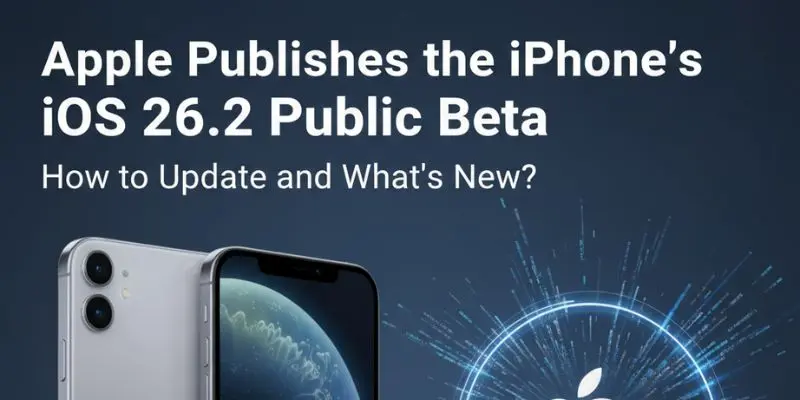
A new Lock Screen transparency slider, improved Sleep Score metrics, alarms in Reminders, podcast chapters, and other improvements are all included in Apple’s iOS 26.2 public beta for iPhones.
After releasing the developer beta of iOS 26.2 earlier this week, Apple has now made the first public beta available. Along with improvements to native apps like Reminders, Health, and Podcasts, the update includes a new Lock Screen slider for modifying the Liquid Glass effect. Additionally, it extends support for AirPods Live Translation to users within the European Union.
iOS 26.2 Public Beta 1: What’s New?
Lock Screen Customisation
Users can adjust the clock widget’s level of translucency with a new slider on the Lock Screen. Users can select between a more frosted effect and an almost transparent appearance under the “Glass” option. The glass-like design is completely disabled by a separate “Solid” option, giving the clock a more conventional look.
Sleep Score in Health
The Sleep Score feature’s score ranges have been updated by Apple in the iOS 26.2 and watchOS 26.2 betas. The following are the updated ranges:
- Very Low – 0-40 (previously 0-29)
- Low – 41-60 (previously 30-49)
- OK – 61-80 (previously 50-69)
- High – 81-95 (previously 70-89)
- Very High – 96-100 (previously 90-100)
All Apple Watch models running the most recent watchOS 26.2 beta have access to these revised scores, which can be seen in the iPhone’s Health app.

Alarm in Reminders
Alarms that ring when a reminder is due can now be set using the Reminders app. When generating a reminder, users can toggle the “Urgent” option to activate this feature. When the alarm goes off, the Lock Screen shows the “Snooze” and “Slide to Stop” choices. Users can finish or reschedule the reminder straight from the screen when they snooze the alarm, which displays a countdown.
New features in Podcasts
Three new features have been added to the Podcasts app: direct access to external links mentioned in an episode via its description page; the ability to browse mentions of other podcasts inside transcripts and playing screens; and automatically produced chapters for simpler navigation.
iOS 26.2 Public Beta 1: Eligible Models
- iPhone 17 series: iPhone 17, iPhone 17 Pro, iPhone 17 Pro Max, iPhone Air
- iPhone 16 series: iPhone 16, iPhone 16 Plus, iPhone 16 Pro, iPhone 16 Pro Max, iPhone 16e
- iPhone 15 series: iPhone 15, iPhone 15 Plus, iPhone 15 Pro, iPhone 15 Pro Max
- iPhone 14 series: iPhone 14, iPhone 14 Plus, iPhone 14 Pro, iPhone 14 Pro Max
- iPhone 13 series: iPhone 13, iPhone 13 mini, iPhone 13 Pro, iPhone 13 Pro Max
- iPhone 12 series: iPhone 12, iPhone 12 mini, iPhone 12 Pro, iPhone 12 Pro Max
- iPhone 11 series: iPhone 11, iPhone 11 Pro, iPhone 11 Pro Max
- iPhone SE (2nd generation and later)
iOS 26.2 Public Beta 1: How to install
- Visit Apple’s website to register for the public beta (https://beta.apple.com/sp/betaprogram/).
- Go to Settings-General-Software Update on your iPhone.
- Choose iOS 26.2 Public Beta by tapping the Beta Updates option.
- Return to the Software Update page and watch for the download to start.
- Accept Apple’s terms and start the download.
- After the download process, installation will start.

About The Author:
Yogesh Naager is a content marketer who specializes in the cybersecurity and B2B space. Besides writing for the News4Hackers blogs, he also writes for brands including Craw Security, Bytecode Security, and NASSCOM.
Read More:
Download IOS 15 IPHONE and IPAD OS 15 Developer BETA Profile Download | MAC OS Monterey
About Author







 English