

Google Allows Users to Change @gmail.com Email Address Now
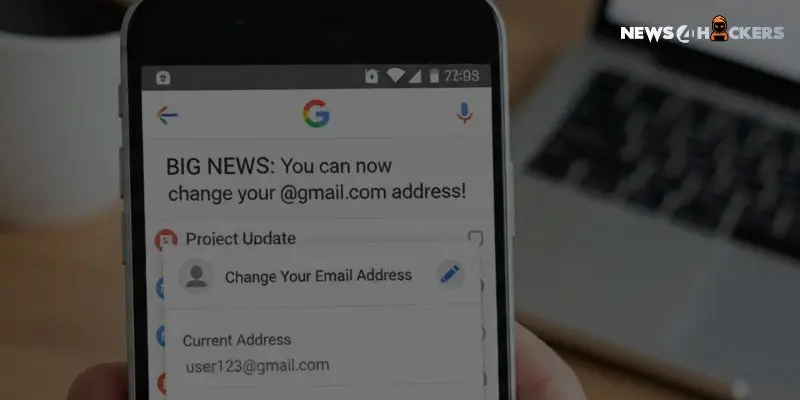
“Now Gmail users can change their @gmail.com Email Address, which is allowed by Google.”
The inability to change one’s primary email address without making a new account has long been one of Google’s customers’ biggest annoyances.
Google has traditionally regarded the @gmail.com username as a permanent fixture, regardless of whether you are stuck with an amateurish handle made in high school or just want to rebrand. But there is currently a big change in policy.
A service that lets users switch their current Google Account email address while keeping all of their data, purchases, and history is being gradually introduced by Google.
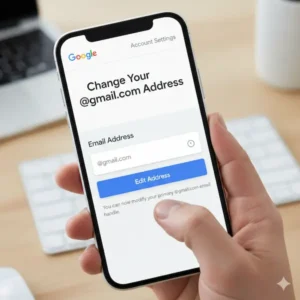
How Does the Modification Operate?
Users whose email addresses end in @gmail.com can now replace them with a brand-new @gmail.com address, according to updated support material. This is a significant change from the prior capabilities, which required manually moving data and creating a new account in order to change a username.
Importantly, the previous email address is not erased by this procedure. Rather, an alias is automatically created from the prior address. This guarantees continuity:
- Emails sent to your old and new addresses will arrive in the same inbox.
- Your saved information is unaffected, including Drive files, Google Photos, and past purchases.
- You can use your old or new email address to log in to Google services.
To stop this function from being abused, Google has put in place certain safeguards. For the following 12 months, a user who modifies their email address is unable to create a new @gmail.com address for this account. Users can, however, always return to their original address.
| There could be a conflict with third-party services if the primary identification is changed. You might need to re-authenticate or change settings if you use a Chromebook or Chrome Remote Desktop, or if you utilize “Sign in with Google” for external websites. |
Before making the update, Google strongly advises backing up important data and reviewing app settings.

How Can a Feature Be Found?
This feature might not be accessible to every user right away because it is being delivered gradually. To determine whether your account qualifies:
- On a computer, go to google.com/google-account-email.
- From the menu on the left, choose Personal Information.
- In the “Contact info” column, select the Google Account email.
- Look for a button with the label Modify the email address associated with your Google Account.
You can continue by entering a new, available username if the opportunity shows up. The functionality is probably not yet available in your area or account type if the option is absent. Keep in mind that accounts run by organizations, businesses, or educational institutions typically cannot modify their addresses without administrator consent.
The Google ecosystem’s quality of life has significantly improved with this update, which at last gives users control over their digital identities without the risk of data loss.
About The Author
Suraj Koli is a content specialist in technical writing about cybersecurity & information security. He has written many amazing articles related to cybersecurity concepts, with the latest trends in cyber awareness and ethical hacking. Find out more about “Him.”
Read More:
Critical Langchain Vulnerability Allows Hackers to Steal Confidential Information from AI Systems
About Author









 English