

Zphisher – Best Tool for Phishing and Social Engineering in 2025
Social Engineering | All-in-one tool for Phishing by Zphisher | Best tool for Phishing
How to Run and Install the Zphisher Automated Phishing Tool, Step-by-Step Commands.
Step – 1 Open your browser and search zphisher github; you will be like this

Simply click on the first ‘htr-tech/zphisher.’
Step 2: The GitHub tool page will be open; you need to download this tool on your Kali Linux. You have two options: copy the code or download a zip file. In my case, I will copy the code and clone it on my Kali Linux machine terminal
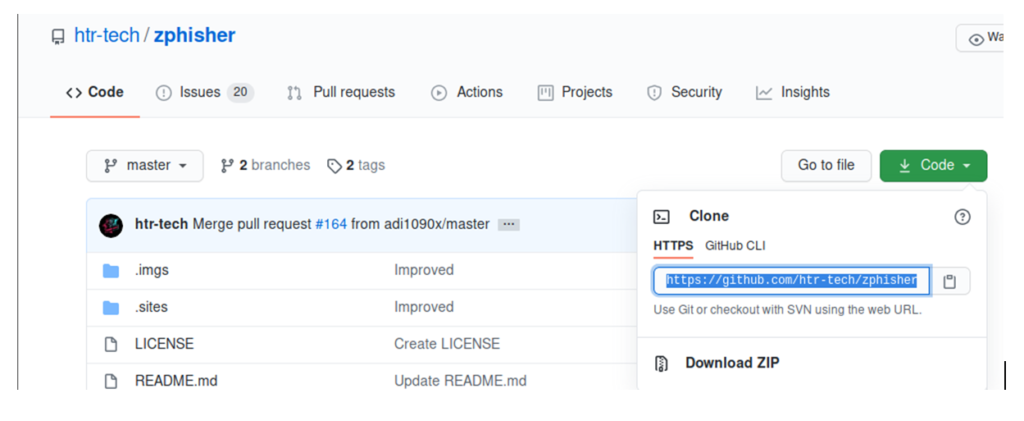
Step 3: Open your terminal and type like this
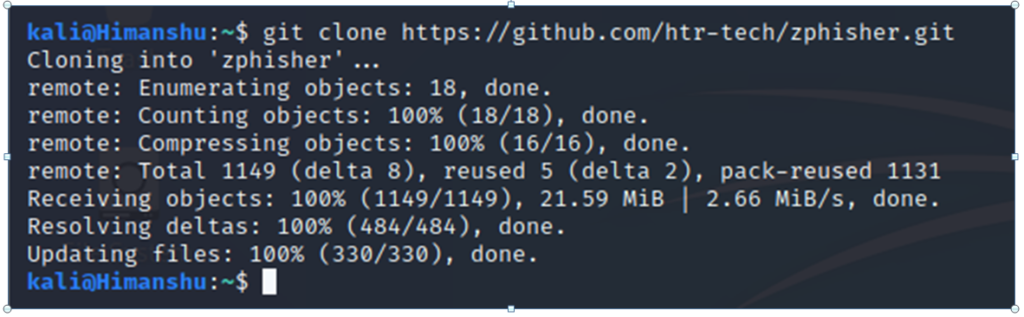
Step 4: Your tool is successfully cloned on your Kali Linux machine. You simply check with the ‘ls’ command.
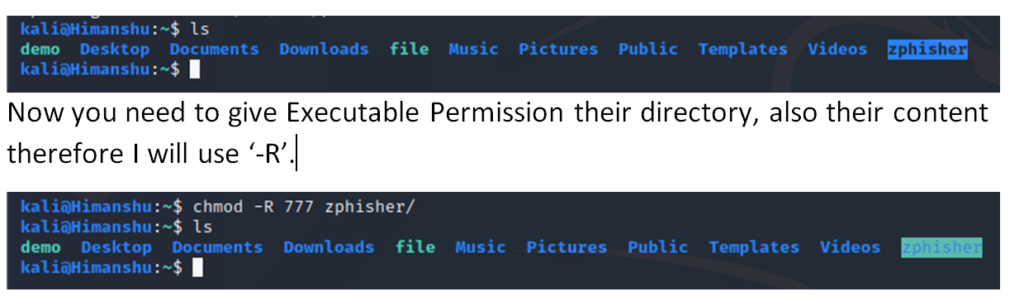
Step 5: Open the directory ‘zphisher.,’ usethe ‘cd’ command to change directory
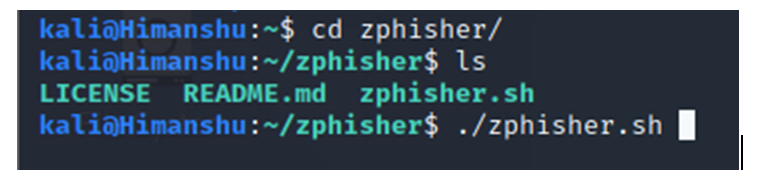
Type ‘./zphisher.sh’. to start the tool
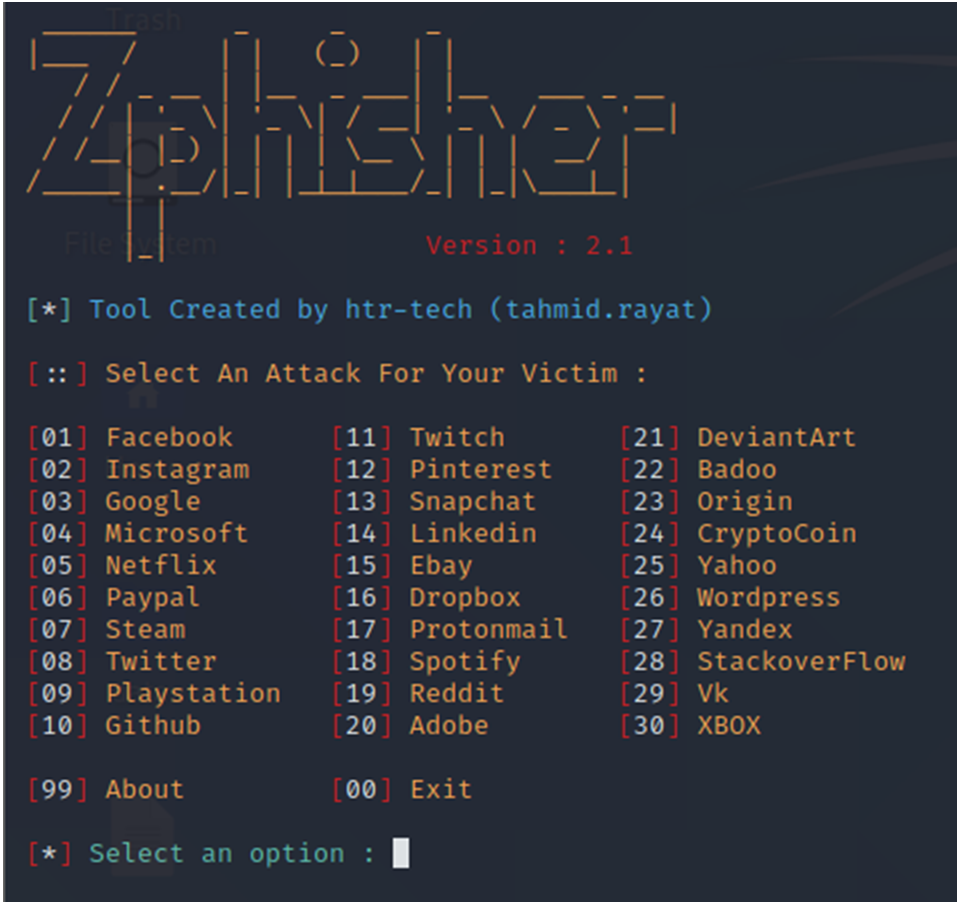
Now, you will see like this
WOW!!! You will have multiple options for phishing different accounts
Step 6: Simply for checking the tool, I will use Instagram and type ‘02.’
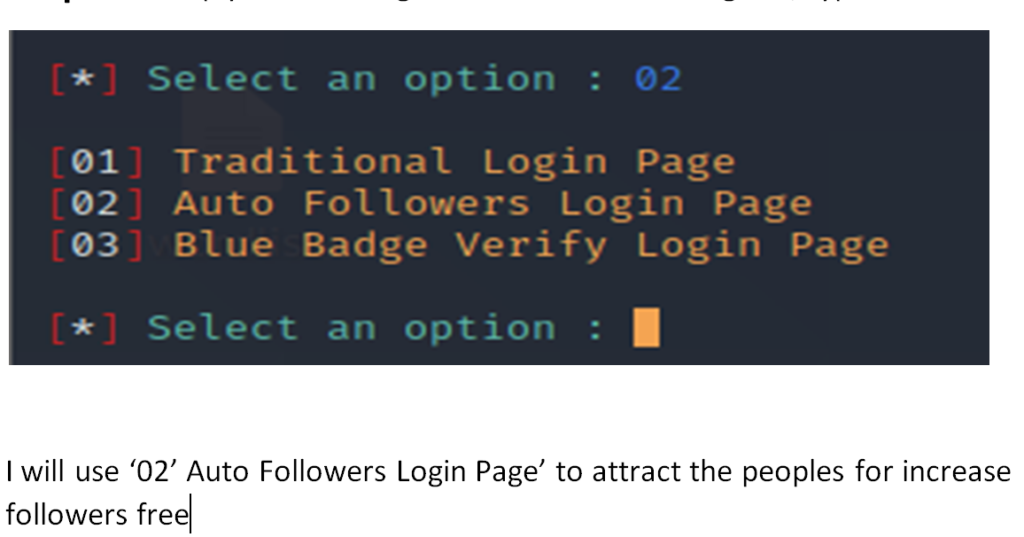
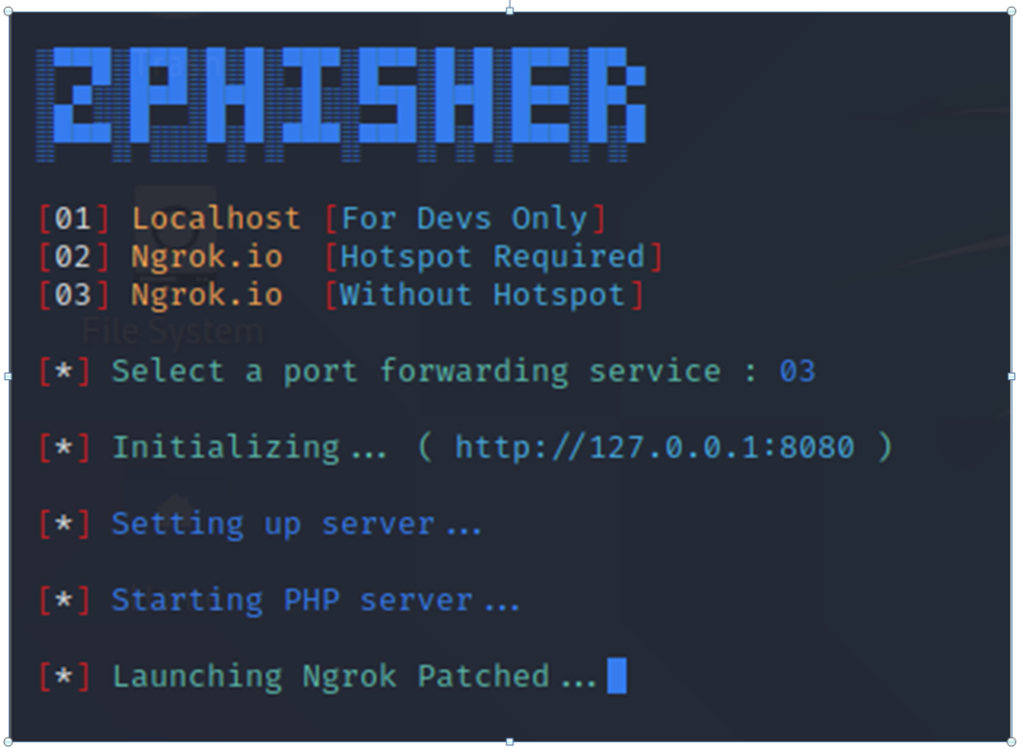
I want to use the phishing link anywhere; therefore, I will choose option 3.
After selecting, you will see something like this, which means your tool successfully started and is waiting to catch the information that has been typed by the victim.
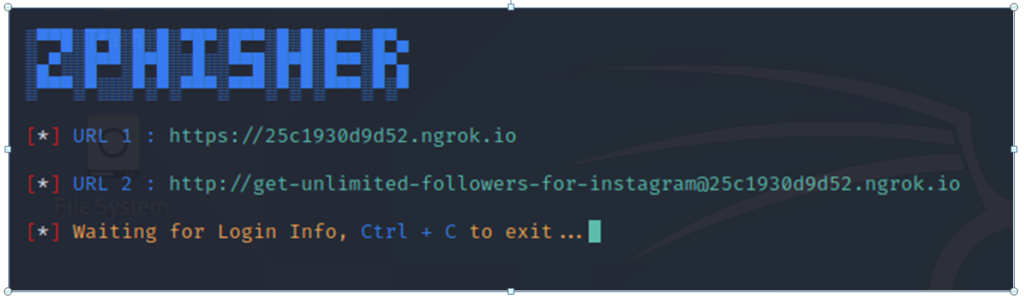
Step 7: You need to send the URL to the victim; if they type any information, you will receive it automatically
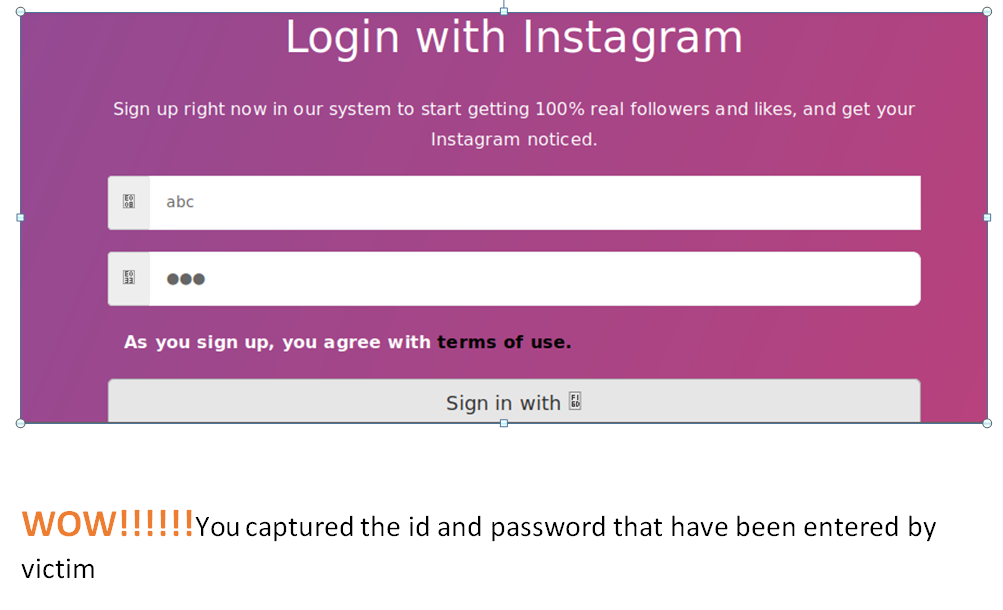
Suppose they open the URL

They type their id and passwords in the login page

Article Submitted by Himanshu Saraswat

Read More:
Ambala Man Arrested for Stock Training Fraud of More Than ₹8 Lakhs
About Author









 English