

How to Identify Inactive AWS Firewall Rules and Optimize Security
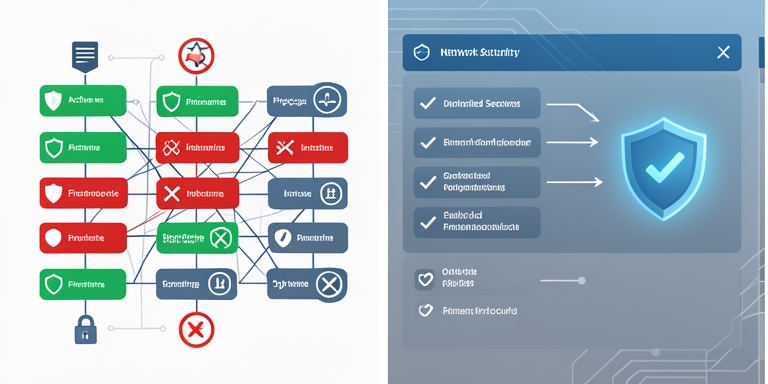
The latest update to AWS Network Firewall provides security teams with improved insights into stateful firewall rules by tracking their activity levels.
Latest Update to AWS Network Firewall
The latest update to AWS Network Firewall provides security teams with improved insights into stateful firewall rules by tracking their activity levels. This feature enables organizations to identify unused or redundant rules, ensuring security controls remain effective and compliant with regulatory requirements. The functionality applies to both custom and managed rule groups, though it does not support stateless rules. The feature is activated by default and does not incur additional costs for Network Firewall usage, although standard fees still apply for log storage and query operations. Availability spans all AWS Regions where Network Firewall is supported, excluding the Middle East (UAE and Bahrain).
Compliance Frameworks and Regulatory Requirements
The update addresses a critical gap for organizations with governance policies mandating the removal of inactive rules within specified timeframes. Compliance frameworks such as PCI DSS 4.0 and the Digital Operational Resilience Act (DORA) require evidence of active control functionality, which this feature helps verify. By tracking rule activity, security teams can streamline incident response processes and ensure adherence to security standards.
Rule Hit Count Mechanism
The rule hit count mechanism monitors how frequently stateful firewall rules engage with network traffic. Each time a rule generates an alert log, the counter increments. Rules configured with alert, drop, or reject actions automatically produce these logs, while pass-action rules must include the alert keyword to be recorded. AWS integrates rule group metadata into alert logs, allowing the Network Firewall monitoring dashboard to calculate hit counts without manual log queries. This metadata is also accessible for custom analysis via CloudWatch Logs Insights or Amazon Athena, depending on log storage locations.
Network Firewall Console Features
The Network Firewall console includes a Top Rule Hits view that displays the most frequently triggered stateful rules over a selected timeframe. This panel shows hit counts, proportion of overall activity, rule details, and last occurrence timestamps. Rules without matching traffic during the period may indicate stale configurations or improper rule ordering within rule groups. During incident response, this view helps analysts quickly identify relevant activity without parsing extensive log entries.
Validation of Feature Utility
AWS demonstrated the feature’s utility by validating recently implemented controls targeting AI and machine learning domains and geofencing restrictions on outbound traffic. Hit count data confirmed these rules were effectively engaging with network traffic.
Benefits and Future Implications
The update enhances visibility into firewall rule effectiveness, supporting proactive security management and compliance validation. Organizations can now more efficiently maintain optimal firewall configurations while ensuring alignment with evolving regulatory and operational requirements.

About Author









 English