

Microsoft Fixes Outlook Copilot Button Bug in Update
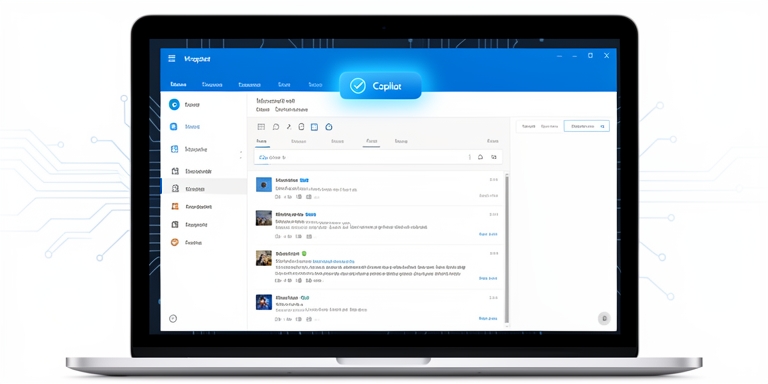
Microsoft has resolved a technical problem that led to the disappearance of Copilot Chat and Copilot buttons within the Classic Outlook application for users holding a Copilot Chat (Basic) license.
Microsoft addresses issue causing Copilot interface elements to vanish in Classic Outlook
According to internal documentation, affected individuals experienced difficulties locating the Copilot interface components in specific areas of the application. Users reported that the Copilot button was absent from the upper-right section above the ribbon menu. Additionally, the Copilot icon was missing from the left-side navigation panel or the More Apps section. In some cases, while Copilot appeared as an available application in the Add Apps menu, selecting the Open option failed to initiate the feature. Attempts to add Copilot through ribbon customization resulted in the command being displayed as inactive or dimmed.
User Reports
Despite these issues, Copilot remained accessible through alternative entry points such as Outlook on the web, the Microsoft 365 Copilot standalone application, or the web-based Copilot experience.
The Fix
Microsoft confirmed that the Outlook development team implemented a service update on June 29, 2026, to resolve the problem. Affected users were advised to restart their Outlook client to apply the fix immediately.
Workarounds for Affected Users
For users unable to upgrade their Outlook client, workarounds included reverting to an earlier version of the software (build 16.0.20026.20168) or utilizing the newer Outlook application or Outlook Web Access (OWA).
Separate Issue with Kaspersky Antivirus
Separately, Microsoft is investigating a separate problem linked to unexpected Outlook crashes on systems using Kaspersky Antivirus software. This issue is associated with the Kaspersky Mail Checker component (mcou.dll). Affected users of Outlook for Microsoft 365 were directed to review the Application log for specific error entries. The Outlook team recommended contacting Kaspersky support for assistance with this matter.
Other Recent Technical Challenges
Microsoft addressed other recent technical challenges, including fixes for issues impacting GIF functionality in the Windows Emoji Panel and problems arising from the April 2026 Windows updates. Additionally, Microsoft resolved complications related to backup software compatibility and disruptions in Recycle Bin operations.
Technical Teams Continue Monitoring
Technical teams continue to monitor and address stability concerns in the Outlook ecosystem, ensuring updates align with user needs and system compatibility requirements.
According to internal documentation, affected individuals experienced difficulties locating the Copilot interface components in specific areas of the application.

About Author









 English