

Download IOS 15 IPHONE and IPAD OS 15 Developer BETA Profile Download | MAC OS Monterey
Download IOS 15 IPHONE and IPAD OS 15 Developer BETA Profile Download | MAC OS Monterey
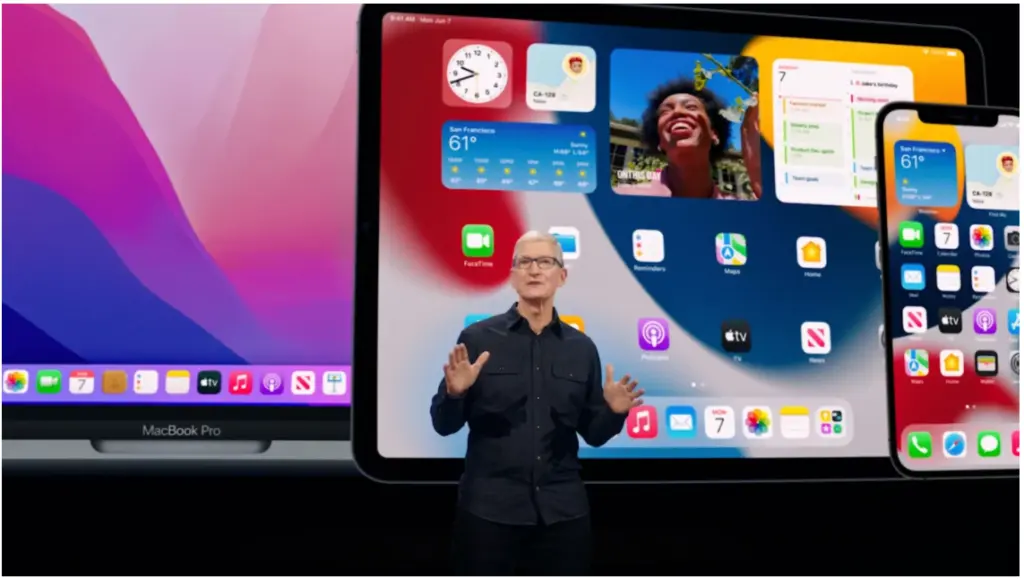
Would you like to USE the latest features of the Apple iPhone IOS 15? You can try the developer beta version. Download Beta Profiles and enjoy
How to Use the Open Safari Browser on the links below
Download the beta profile for IOS 15 for iPhone – Click Here
Download the beta profile for iPadOS 15 for IPAD – Click Here
Download Beta Profile for IOS 15 for MAC Systems – Clicks Here

HOW TO Download and Install iOS 15 Developer Beta Version
- Download the profile from the Safari browser. (Open with Safari Browser)
- Your phone, iPad, or Mac should be charged and plugged into a power source.
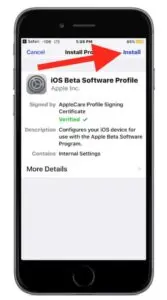
- Once the Profile downloads, click Install and go to your settings. You will see the profile has been added to the top of the settings; click install profile. Once the profile is installed, the phone will restart; do not do anything with the phone during this process, after the Phone restarts properly.
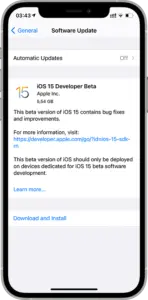
- Go to your General —-> Software Update ——> Download and Install
Note: first, you install the profile, then you update iOS to 15 Developer Beta. The same thing has to be followed by the iPad. For MAC OS, just click and install the update.
Note: Profiles are tested and working perfectly fine.

Read More:
iOS 26 Latest Update Available Now: Compatible iPhones, How to Install, and What’s New in This Update?
iOS 26.3 Released, Featuring 5 New Additions
ShieldXDR Launched by Craw Security: A New Era in Cyber Threat Defense
Introducing the New Data Loss Prevention (DLP) Solution by Craw Security
About Author







 English