

How Hackers Exploit Fake IT Support Calls on Microsoft Teams for Full System Takeover
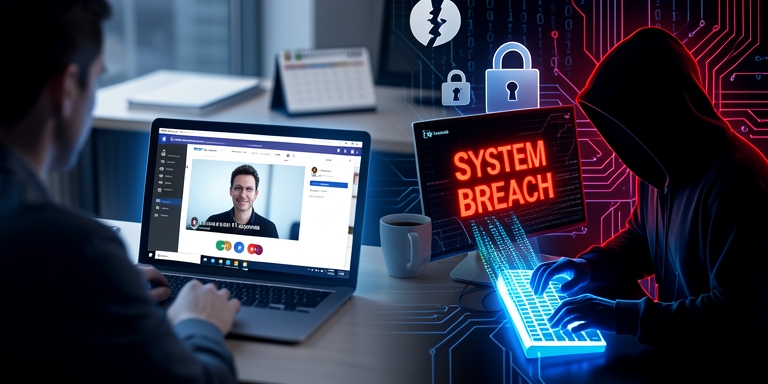
Cybersecurity researchers have identified a novel attack campaign where malicious actors impersonate internal IT support teams via Microsoft Teams voice calls to manipulate employees into deploying the EtherRAT remote access trojan.
Initial Breach via Phishing Email
The initial breach occurs through a phishing email containing a deceptive employee survey attachment, typically a malicious PDF file. Once the document is opened, the victim receives a Microsoft Teams call from an external account falsely representing an internal system administrator or IT personnel.
Microsoft Teams Call and Verification
Analysis revealed that the Teams interface displayed a warning indicating the caller originated from a different Microsoft 365 tenant. Audit logs confirmed the attackers used an external Microsoft 365 account to initiate contact while falsely claiming to be part of the organization’s internal support team.
Threat Actors’ Tactics
During the call, threat actors reportedly persuade victims to enable remote control features within Teams, such as screen sharing and remote assistance. Subsequently, employees are directed to install legitimate remote administration tools like HopToDesk and AnyDesk, which provide attackers with persistent access to compromised systems.
The EtherRAT Malware
EtherRAT, a cross-platform remote access trojan built using Node.js, is designed to execute arbitrary commands, modify files, extract sensitive data, and maintain long-term presence on infected devices. The malware communicates with its command-and-control (C2) server through Ethereum-based smart contracts, complicating efforts to disrupt its operations.
Malware Development and Distribution
Researchers discovered an open directory on a malware distribution server containing multiple installer versions, ranging from v1 to v9, indicating ongoing development and refinement of the malware. This attack follows a pattern of recent threats leveraging Microsoft Teams. Earlier campaigns targeted financial and healthcare institutions by combining spam emails with fake IT support calls, leading to malware deployment and network breaches.
Microsoft’s Response and Security Measures
In response, Microsoft has implemented additional safeguards, including explicit warnings for external callers and chat participants to help users detect phishing and vishing attempts. The company also introduced administrative policies to isolate suspected third-party bots in meeting lobbies until approved by organizers.
Security Recommendations
Security professionals recommend that organizations prioritize employee training to verify the authenticity of IT personnel before granting remote access. They also advise caution when receiving unsolicited Teams calls from external accounts and to avoid installing unverified software or remote administration tools unless explicitly authorized through internal support channels.

About Author









 English