

How to install labsecurity? and how to scan vulnerabilities in the network with labsecurity?

How to install labsecurity? and How to Scan vulnerabilities in the network with labsecurity?
This tool was created in order to find vulnerabilities within a specific system or software both common servers or a pc, to report it and try to improve the software and that way that vulnerability will not exist, this software is also used for educational purposes which to teach how a hacker accesses information that he should not have, and how to prevent it.
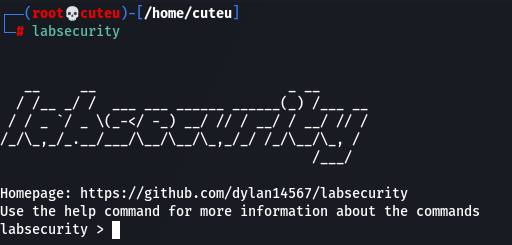
Pre-requirements
The requirements to use the system is to have the following python modules installed:
- colorama
- requests
- python-nmap
- wheel
How to install lab security?
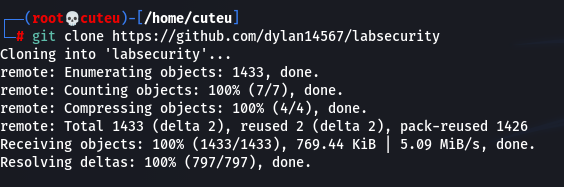
Step 1: Clone the repository
git clone https://github.com/dylan14567/labsecurity
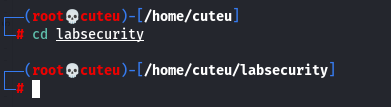
Step 2: Change the directory
cd labsecurity
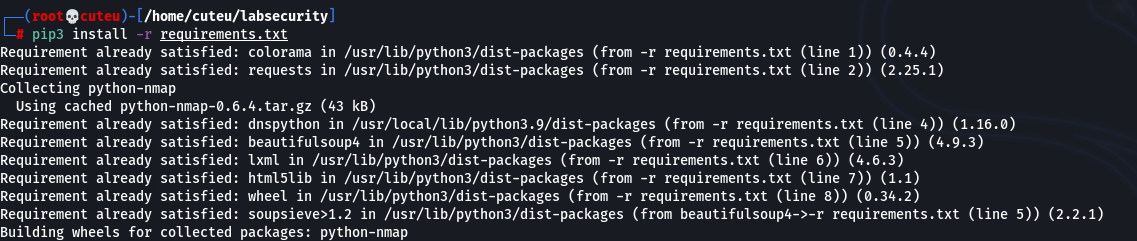
Step 3: Install the requirements
pip3 install -r requirements.txt
Step 4: Change the permission
chmod +x *; ls

Step 5: Run the setup.py
python3 setup.py install

How to use labsecurity?
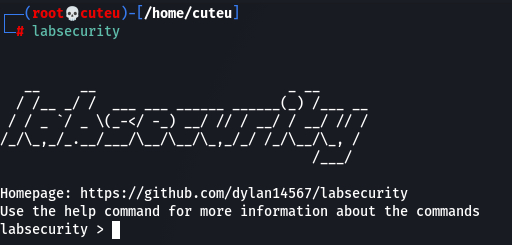
Step 1: Run with “labsecurity”
Step 2: set the target IP

Step 3: set the target port

Step 4: set scan type here I am using a simple port scan

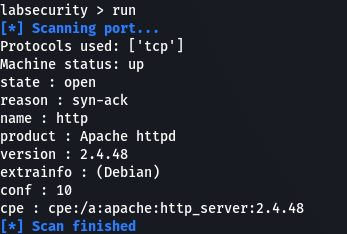
Step 5: type “run”
About Author









 English