

Microsoft: Dell PCs Shutting Down After Recent Windows Updates
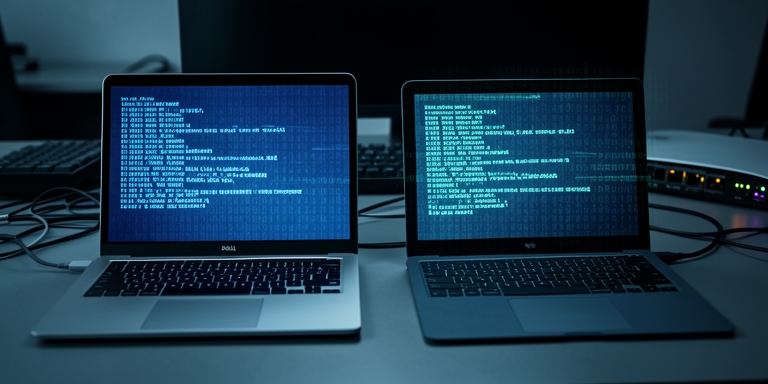
Microsoft has halted the distribution of certain Windows 11 security updates on select Dell devices due to reported malfunctions causing system shutdowns and operational instability.
Overview of the Issue
Microsoft has halted the distribution of certain Windows 11 security updates on select Dell devices due to reported malfunctions causing system shutdowns and operational instability. The issue specifically impacts systems running Windows 11 25H2 and 24H2 versions that have installed the KB5101650 cumulative update.
Technical Details
The problem arises from a compatibility conflict between the Intel Innovation Platform Framework (IPF) Processor Participant driver and the newly implemented Windows USB-C Connection Manager interface. The malfunction was first identified following the deployment of the June 23, 2026, Windows preview update (KB5095093).
Impact on Affected Devices
Affected devices display a yellow exclamation mark in the Device Manager under the Intel IPF Processor Participant driver entry. This indicator signals a critical incompatibility that may lead to unpredictable shutdowns, degraded performance, elevated temperatures, and accelerated battery depletion.
According to internal documentation, the Intel IPF Processor Participant driver is a foundational system component responsible for managing power states, thermal regulation, and processor efficiency.
Microsoft’s Response
Microsoft confirmed the issue was reported by Dell during testing and attributed it to the integration of the USB-C Connection Manager interface in the June 2026 update. The company has temporarily suspended the rollout of KB5101650 to affected systems while collaborating with Dell to resolve the conflict.
Future Updates
A statement from Microsoft indicated that a fix is expected within the coming days. This incident follows recent updates addressing unrelated issues, including the disappearance of Copilot Chat features in Classic Outlook for users with specific licenses and disruptions to GIF functionality in the Emoji Panel after the discontinuation of Google’s Tenor API.
Technical Challenges and Recommendations
The underlying technical challenge highlights the complexities of integrating hardware-specific drivers with evolving operating system frameworks. System administrators are advised to monitor Microsoft’s release health dashboard for updates on the resolution.
User Guidance
Until a permanent fix is deployed, affected users should avoid installing the KB5101650 update to prevent potential system disruptions.

About Author








 English