

Microsoft Unveils Faster Windows File Explorer with New Context Menu Features
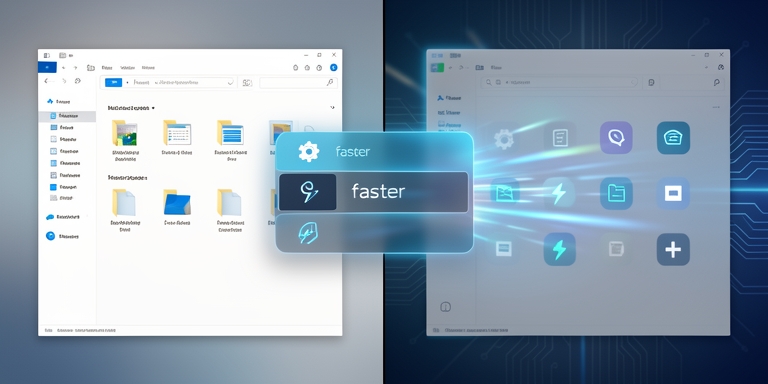
Microsoft is testing improved File Explorer features and a customizable context menu in Windows 11 preview versions, focusing on performance, usability, and security.
Microsoft’s Enhanced File Explorer and Streamlined Context Menu
Microsoft is evaluating an enhanced File Explorer interface and a streamlined, user-configurable context menu within Windows 11 preview versions distributed to Insider participants. The File Explorer development team outlined these updates in a Monday blog post, emphasizing improvements to speed, performance, and reliability alongside resolutions for user-reported challenges.
Enhanced File Explorer Interface
The revised context menu aims to minimize visual clutter, enhance accessibility for frequently used functions, and provide greater customization options through a dedicated Settings integration. A new “Customize menu” option now appears at the base of the right-click interface, linking directly to the Settings application for tailored adjustments.
Streamlined Context Menu
The updates address specific user pain points, such as preventing background synchronization from disrupting file renaming operations and ensuring immediate visibility of case-sensitive filename modifications. The team highlighted that these refinements are part of ongoing efforts to refine user workflows, making routine tasks more intuitive and consistent.
Broader Optimizations and Background Preloading
The context menu overhaul follows broader optimizations for Windows 11 File Explorer, including prior updates released in April 2026. Earlier in November, Microsoft tested a background preloading mechanism to accelerate File Explorer startup times, though this feature remained optional. Users could disable it via the “Enable window preloading for faster launch times” toggle in File Explorer’s Folder Options under the View tab.
Similar preloading strategies were previously implemented for Microsoft Office applications through the Startup Boost feature, which leverages scheduled tasks during system logon to expedite app launches.
Deprecation of WMIC Tool
Microsoft announced the deprecation of the Windows Management Instrumentation Command-line (WMIC) tool, a utility frequently exploited by threat actors due to its status as a living-off-the-land binary (LOLBIN). The removal will apply to Windows 11 24H2 and 25H2 releases, as well as beta versions distributed this week. This decision aligns with industry-wide efforts to mitigate abuse vectors for malicious actors.
Blue Report 2026 Insights
Additional insights from the Blue Report 2026, which analyzed 338 million defense simulations across production environments, revealed that 37% of attacker activities are blocked when valid credentials are compromised. The report evaluates defensive measures at a granular level, providing actionable data for enterprise security strategies.
According to the Blue Report 2026, defensive measures at a granular level provide actionable data for enterprise security strategies.
Conclusion
The updates reflect Microsoft’s continued focus on balancing usability with security, particularly as threat actors increasingly target system utilities for exploitation. Enterprises are advised to monitor deployment timelines for these changes and assess their impact on existing workflows and security postures.

About Author









 English