

LastPass Authenticator Adds Face ID, Apple Watch, Cloud Backup for 2FA
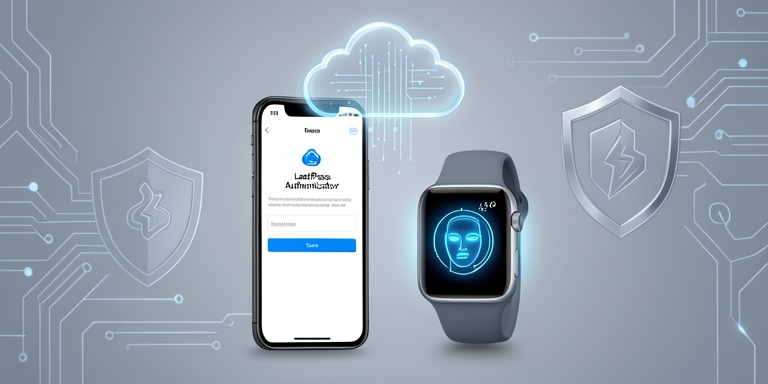
LastPass Authenticator is a free application designed to deliver two-factor authentication (2FA) for user accounts and services that utilize time-based one-time passwords (TOTP).
Enrollment process
The setup for new accounts is streamlined, allowing users to scan a QR code, import one from a saved image in the device’s photo library, or manually input a secret key. To simplify configuration, the application provides preconfigured templates for numerous online services, such as Amazon, Amazon Web Services, Binance, Coinbase, Discord, Dropbox, Evernote, GitHub, PayPal, Slack, Twitch, and X. Custom entries can also be created for any service that employs TOTP authentication.
- Amazon
- Amazon Web Services
- Binance
- Coinbase
- Discord
- Dropbox
- Evernote
- GitHub
- PayPal
- Slack
- Twitch
- X
The interface displays accounts in a searchable format, featuring service icons, account names, and a timer indicating when the current verification code will expire. Users can modify account details, categorize entries into groups, and manage multiple authenticators through a unified dashboard. The app supports transferring accounts between devices and exporting them as QR codes for backup purposes.
Security measures
To safeguard locally stored authentication data, the application offers multiple protective features. Users can secure the app using biometric authentication via Face ID or a personal identification number (PIN). The Tap to Reveal function ensures verification codes remain concealed until accessed. Cloud backup capabilities allow users to restore accounts after replacing or resetting a device. A built-in Security Checkup feature reviews account settings to ensure optimal protection.
Additional functionalities
Verification codes can be extracted directly from screenshots stored on the device, eliminating the need to switch between devices during setup. Users can preview the next authentication code before the current one expires, customize the display location of upcoming codes, and group digits for improved readability.
- Extract verification codes from screenshots
- Preview next authentication code
- Customize display location of upcoming codes
- Group digits for improved readability
The integration of standard TOTP authentication with push-based approvals, biometric security, cloud backup, Apple Watch compatibility, and flexible import options positions LastPass Authenticator as a comprehensive tool for managing two-factor authentication across multiple online services through a centralized application.
Conclusion
The integration of standard TOTP authentication with push-based approvals, biometric security, cloud backup, Apple Watch compatibility, and flexible import options positions LastPass Authenticator as a comprehensive tool for managing two-factor authentication across multiple online services through a centralized application.

About Author







 English