

How to Connect Windows PCs Using the Windows App for Remote Access
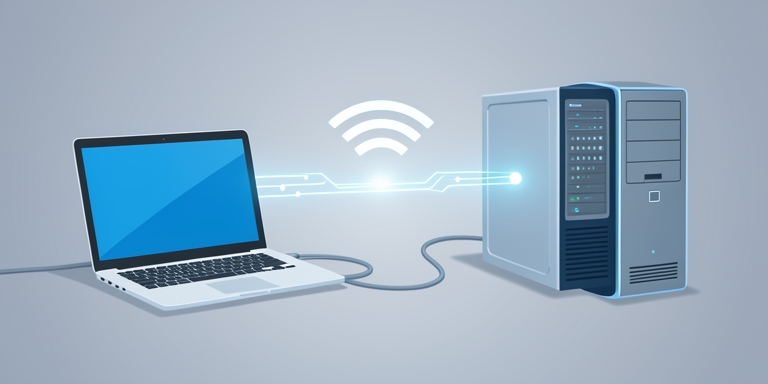
Microsoft has made remote PC connections generally available in Windows App on Windows.
Introduction
Your Windows PC can now reach other PCs through Windows App Microsoft has made remote PC connections generally available in Windows App on Windows. Users can access physical or virtual Windows PCs alongside Windows 365, Azure Virtual Desktop, and Microsoft Dev Box resources. Windows App consolidates remote Windows devices and applications into a unified interface. This replaces the Remote Desktop application available via the Microsoft Store and succeeds the standalone Remote Desktop client used for cloud services. The native Remote Desktop Connection tool (mstsc.exe) continues to be supported.
Key Features
Remote PC connections do not require a work or school account. Users must authenticate to connect to the target computer, which must have Remote Desktop functionality enabled. Connecting to remote PCs involves adding a device by inputting its name or IP address, adjusting display preferences, and configuring local resource redirection. This determines the extent of access the remote session has to resources on the user’s device. All redirection settings are disabled by default. Saved connections allow users to pin frequently accessed computers to a Favorites list for quick access.
Quote
Technical Specifications
The update expands remote access capabilities by integrating cloud-based and on-premises solutions into a single platform. It emphasizes flexibility for enterprises managing hybrid environments. Technical specifications include support for secure authentication protocols, customizable session settings, and compatibility with existing infrastructure. The feature aligns with broader industry trends toward unified remote management tools. Microsoft has not disclosed specific deployment timelines or additional technical constraints beyond standard Remote Desktop requirements.
Conclusion
The integration reflects ongoing efforts to streamline remote computing workflows while maintaining security and compliance standards.

About Author








 English